What Is Automatic Convection Conversion?
Learn what automatic convection conversion does, why ovens lower heat by about 25°F, and how to adjust cooking times for even results.
What Automatic Convection Conversion Means
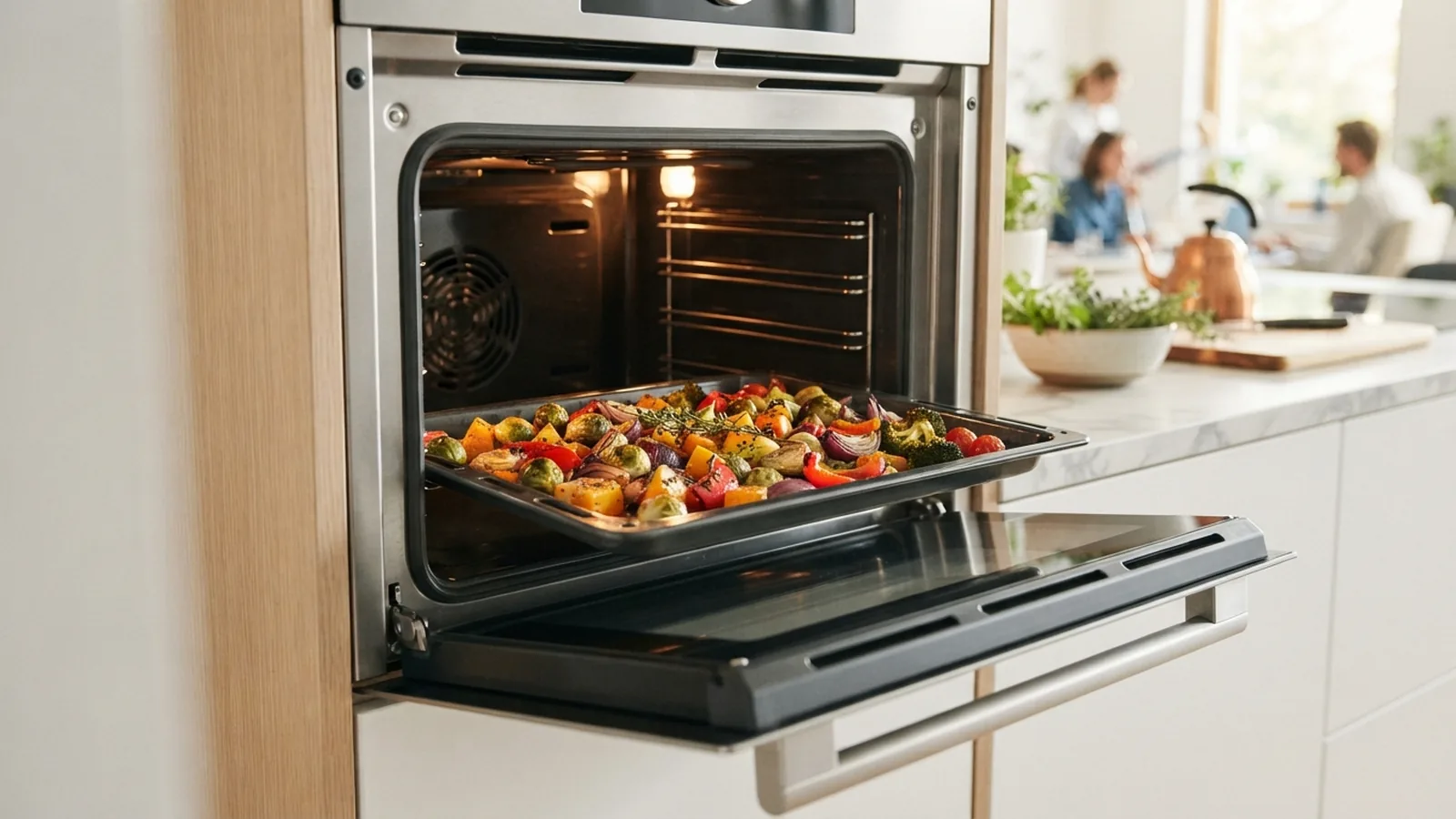
Automatic convection conversion changes a recipe for a convection oven. It lowers the set temperature, shortens the cook time, or does both. The oven handles this change for you.
Most recipes use a standard oven setting. That setting assumes still air around the food. A convection oven uses a fan to move hot air around the oven cavity.
As a starting point, convection cooking often needs a 25°F temperature drop. A recipe calling for 350°F may use 325°F with conversion turned on. The exact change depends on the oven model and the food.
This feature does not change the food itself. It changes the heat plan used by the oven. Some models adjust temperature only, while others adjust temperature and time.
How the Conversion Feature Works
A convection oven heats air with one or more heating elements. A fan then pushes that hot air around the food. This steady flow helps remove cool air near the food’s surface.
Moving air transfers heat faster than still air. Food can brown sooner and cook more evenly. The fan also reduces hot and cool spots across the oven.
When you choose automatic convection cooking, the oven reads your selected mode. It may ask for the recipe temperature or show a lower setting. Some ovens also ask for the planned cooking time.
The oven then applies its built-in conversion rule. Many systems reduce the temperature by 25°F. Others lower it by 20°F or adjust the time without changing the temperature.
Check your owner’s guide before trusting the feature. Not every convection model includes automatic convection conversion. Some ovens have a fan but leave every recipe change to you.
| Recipe setting | Common convection setting | What to watch |
|---|---|---|
| 350°F for 40 minutes | 325°F for about 35 to 40 minutes | Check the center early |
| 425°F for 20 minutes | 400°F for about 17 to 20 minutes | Watch surface browning |
| 375°F for 30 minutes | 350°F for about 25 to 30 minutes | Test thick foods inside |
Why Convection Conversion Can Improve Cooking
The main gain comes from faster heat movement. Hot air reaches more of the food’s surface at once. This can produce more even cooking across a tray.
Convection heat also supports better browning. Roasted vegetables may develop crisp edges sooner. Cookies can brown more evenly when the tray has enough space.
Cooking times may become shorter. This benefit is useful for busy meals and large oven loads. Still, shorter time does not mean every food finishes early.
Lower heat can also protect delicate foods from a dark outer crust. The center still gets steady heat during the bake. This balance can help with pastries, casseroles, and roasted meats.
Use care with foods that need a gentle rise. A strong fan may dry a thin batter or shift light toppings. You may prefer the regular bake mode for soufflés and some custards.
- Food may brown more evenly
- Large trays may cook with fewer hot spots
- Roasted foods can gain crisp edges
- Some meals may finish sooner
- A lower setting can reduce outer browning
Best Ways to Adjust Recipes
Start with the recipe’s listed temperature. Reduce it by 25°F when the oven lacks automatic conversion. Keep the stated time as your first estimate.
Begin checking food 10 minutes before the recipe’s end time. Thin foods may finish much sooner. Thick foods may need nearly the full time.
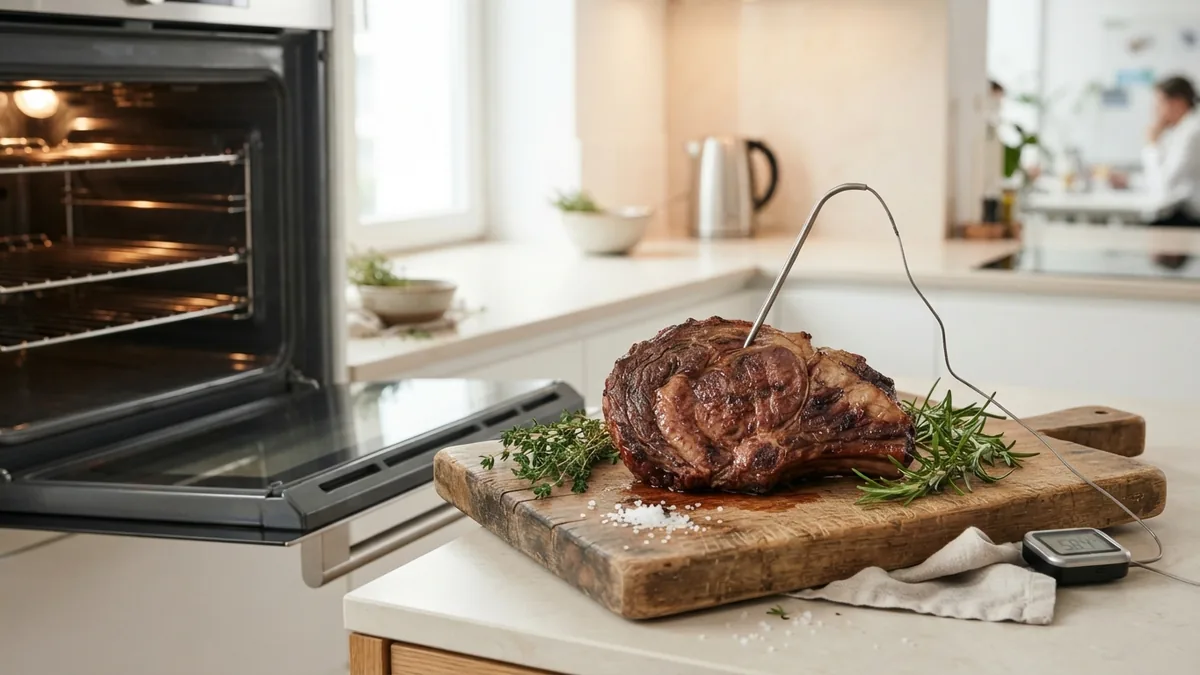
Use a thermometer for meat and other thick foods. A visual check cannot show the center temperature. The safe target depends on the food and local food safety guidance.
For baked goods, test the center with a skewer or light touch. The surface may brown before the inside sets. A lower temperature helps, but timing still needs close watching.
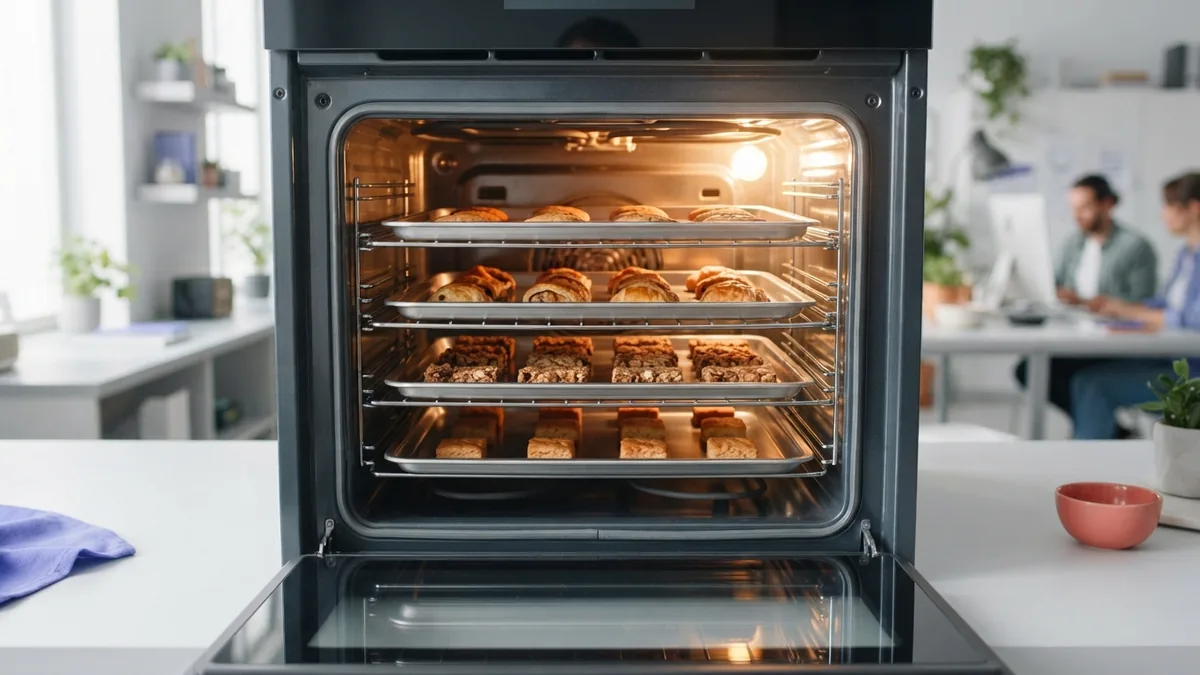
Leave space between pans when using a fan. Air needs room to move around each pan. Crowding can block airflow and reduce the main benefit.
- Turn on the convection mode and check for automatic conversion.
- Enter the recipe temperature if the oven asks for it.
- Reduce the temperature by 25°F when setting it yourself.
- Place pans with space between them.
- Check thin foods early and thick foods with a thermometer.
- Record the result for your next batch.
Dark pans absorb more heat than light pans. They can deepen browning during convection cooking. Reduce the heat slightly or check the food sooner when needed.
Glass and ceramic dishes can also change the result. They heat more slowly than thin metal pans. Follow the dish maker’s guidance for oven temperature limits.
When Automatic Conversion May Not Be Ideal
Automatic settings offer a useful starting point. They cannot account for every pan, rack position, or food size. Your kitchen setup still affects the final result.
A full oven may need more time than a lightly loaded oven. A thick roast may need more time than the same weight cut into pieces. The conversion tool cannot see these differences.
Some foods need still heat rather than moving air. Cakes with delicate tops can dry or tilt under strong airflow. Use the standard bake mode when the recipe gives that clear advice.
Fan speed can vary between oven models. One oven may brown quickly at 325°F. Another may need more time at the same setting.
Keep a short cooking log for foods you make often. Note the mode, temperature, pan type, rack, and final time. This record gives you a better guide than a broad rule.
Common Questions About Convection Cooking
What is automatic convection conversion?
It is an oven feature that changes standard recipe settings for convection heat. It often lowers the temperature by about 25°F and may shorten the time.
Do I always reduce the temperature by 25°F?
No. Twenty-five degrees is a common guide, not a fixed rule. Check your oven guide and watch the food during its first test.
Does convection always cook food faster?
Often, yes, but not always. Food size, pan shape, rack position, and oven load can change the result.
Should I use convection for every recipe?
No. It works well for roasting, sheet-pan meals, and many cookies. Standard bake may suit delicate cakes, custards, and light batters better.
How can I tell if my oven has automatic conversion?
Look for a conversion setting in the control panel or owner’s guide. A fan symbol alone does not prove that the feature exists.
When should I check food for doneness?
Check thin foods about 10 minutes early. Use a thermometer for thick foods and confirm the center has reached the needed temperature.
Automatic conversion removes much of the guesswork from convection cooking. It still needs a sensible check during each new recipe. Start with the oven’s rule, then adjust based on your food.
Frequently asked questions
- What is automatic convection conversion?
- It is an oven feature that changes standard recipe settings for convection heat. It often lowers the temperature by about 25°F and may shorten the time.
- Do I always reduce the temperature by 25°F for convection?
- No. Twenty-five degrees is a common guide, not a fixed rule. Check your oven guide and watch the food during its first test.
- Does convection always cook food faster?
- Often, yes, but not always. Food size, pan shape, rack position, and oven load can change the result.
- Should I use convection for every recipe?
- No. It works well for roasting, sheet-pan meals, and many cookies. Standard bake may suit delicate cakes and custards better.
- How can I tell if my oven has automatic conversion?
- Look for a conversion setting in the control panel or owner’s guide. A fan symbol alone does not prove that the feature exists.
- When should I check food in a convection oven?
- Check thin foods about 10 minutes early. Use a thermometer for thick foods and confirm the center has reached the needed temperature.
Related reading

What Is a Conversion in Marketing, and Why Does It Matter?
See what counts as a marketing conversion and how to measure and improve it.

What Do API Ratings Measure? Examples and Uses
See how API ratings work and what their scores can tell developers.

What Is SaaS, and How Does It Work?
See how SaaS works, what it offers, and how it compares with installed software.