Full Stack Mobile Developer: Skills and Career Guide
Learn what a full stack mobile developer does, which skills and tools matter, and how mobile apps move from planning to release and growth.
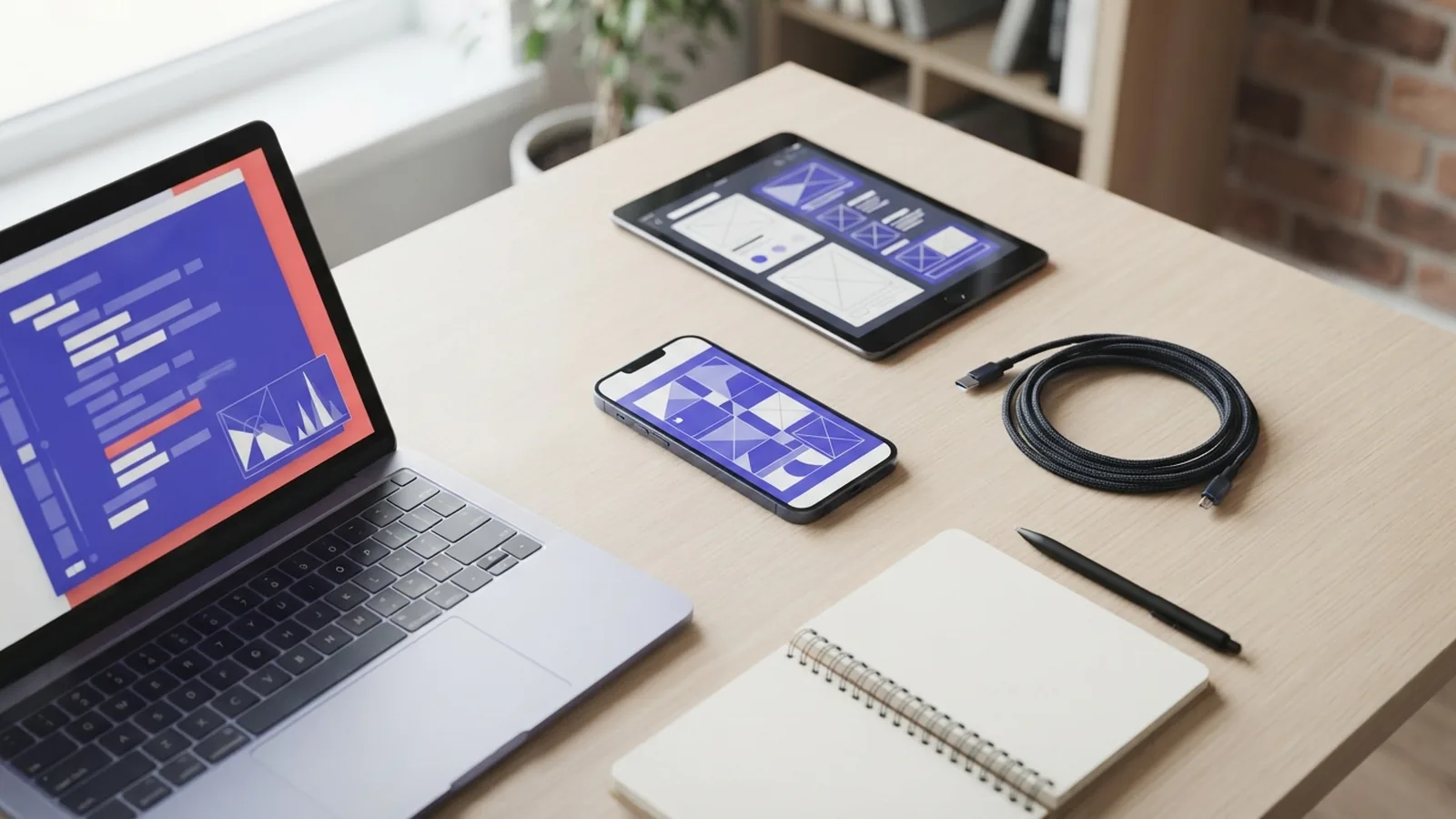
What Does a Full Stack Mobile Developer Do?
A full stack mobile developer builds both the mobile app and the systems behind it. They work on the front end, server code, APIs, databases, testing, and release process. This role joins the work of a mobile developer and a back-end developer.
The job covers the full path from an early idea to a live app. A developer may create a login screen, build the sign-in API, store user data, and fix release bugs. They also need to understand device limits, app stores, privacy rules, and user needs.
- Front end: screens, touch actions, navigation, and local data
- Back end: APIs, business rules, accounts, and databases
- Delivery: testing, release builds, monitoring, and updates
The role does not mean one person must master every tool. It means they can connect each layer and spot problems between them. That broad view helps small teams ship useful products with fewer handoffs.
Core Skills for the Role

Strong coding skills form the base of this career. Java remains important for Android work, while JavaScript powers many cross-platform tools. HTML and CSS help developers shape web views and hybrid apps. A developer should also know data types, functions, async code, error handling, and basic design patterns.
Native mobile development uses tools made for one platform. Android apps often use Java or Kotlin. Apple apps often use Swift or Objective-C. Native code can give deep device access and strong speed. It can also require two separate codebases.
Cross-platform development lets one main codebase serve Android and iOS. React Native uses JavaScript and native platform parts. Ionic uses web skills inside a mobile shell. This path can cut build time, but some device features may need native code.
Beyond code, useful mobile developer skills include testing, Git, API integration, and clear writing. Agile development helps teams plan small work cycles and review results often. Basic UX skills help developers build flows that feel clear on small screens.
| Skill | Why it matters |
|---|---|
| JavaScript or Java | Builds app logic and platform features |
| HTML and CSS | Shapes web views and hybrid app screens |
| Git | Tracks changes and supports team work |
| Testing | Finds faults before users do |
Popular Tools and Frameworks
React Native is a common choice for cross-platform development. It lets teams write much of an app in JavaScript. The framework can also call native Android and iOS code when needed. Read the React Native getting started guide for its current setup and core ideas.
Ionic takes a web-first path. It combines HTML, CSS, and JavaScript with device plugins. This suits teams with strong web skills and apps built around forms, lists, and account data. Complex games or heavy graphics may need a native approach instead.
Native teams often use Android Studio for Android work. Apple teams use Xcode for iOS work. A full stack mobile developer should also know source control, build tools, crash tracking, and secure secret storage. The best tool depends on the app, team skills, device needs, and budget.
- Choose native tools for deep platform access or high graphics demands.
- Choose React Native for shared code with a native feel.
- Choose Ionic for web-led products and fast team onboarding.
- Use APIs and databases for shared data across devices.
How the Mobile App Development Life Cycle Works
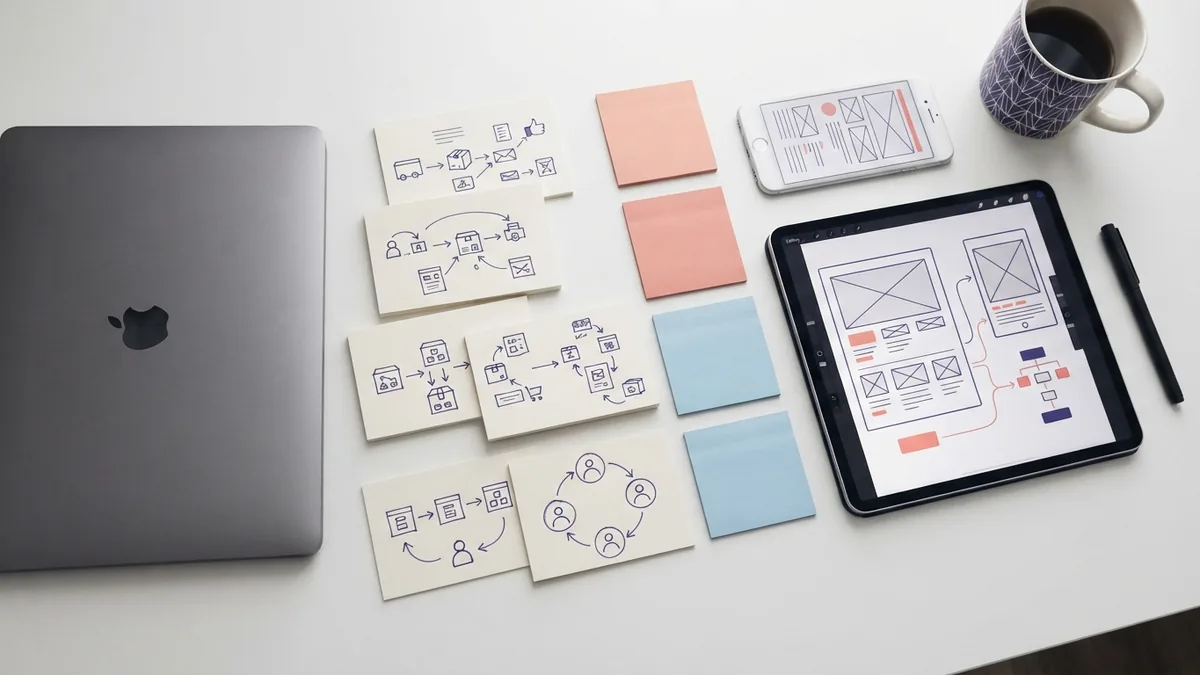
Planning starts with a clear user problem. The team defines the first release, key users, success measures, and device targets. A small first release might include account creation, search, and saved items. This keeps the build focused.
Design follows planning. Designers map user flows and create screen layouts. Developers check each idea against device size, touch use, network speed, and access needs. Early tests with five users can reveal confusing steps before code takes shape.
During development, the team builds the app, APIs, and database work in small slices. Version control systems track each change. A typical flow may use short branches, code review, and automatic checks before a merge.
Testing should cover more than a happy path. Teams test sign-in failures, weak networks, old devices, screen sizes, battery use, and lost data. Android and iOS teams can use platform test tools. The Android Developers documentation explains platform tools, app parts, and release guidance.
Deployment sends a tested build to an app store or a private test group. The team then watches crashes, slow screens, failed requests, and user feedback. A good release plan includes staged rollout and a quick way to pause a bad update.
- Plan: define the user need, scope, risks, and success goals.
- Design: map the user flow and test key screen ideas.
- Build: write app code and connect secure back-end services.
- Test: check devices, networks, data, speed, and access needs.
- Release: ship in stages and watch real use.
- Improve: fix faults and add work based on useful evidence.
Back-End Work: APIs, Data, and Security

A mobile app often needs a back end for accounts, payments, search, or shared records. An API (application programming interface) lets the app ask a server for data. For example, a travel app might send a city and date. The API can return matching trips.
Databases store the records behind those requests. A relational database fits linked data such as users, orders, and bookings. A document database may fit flexible records. The key choice is clear data design, safe queries, backups, and sound access rules.
Security belongs in every layer. Apps should use secure network links, short-lived session keys, and server-side checks. Never trust a value just because the app sent it. Keep private keys out of the app package.
Back-end work also affects speed and battery life. Large replies waste data and power. Good APIs send only needed fields and support pages of results. Caches can reduce repeat requests, but stale data needs clear rules.
Career Path and Job Options
Many people start with web, Android, iOS, or back-end work. A first role may focus on one app layer. Later, the developer can take ownership of a feature from screen to server. Personal projects can show this range better than a list of course badges.
A useful portfolio has two or three finished apps. Show the problem, key choices, tests, and trade-offs. Include a small API, a data model, and a release build when possible. Explain one bug and the steps used to fix it.
With experience, career options expand. A developer may become a senior mobile engineer, tech lead, product engineer, or mobile architect. Others move into DevOps for mobile development, product work, or freelance consulting. Pay and demand vary by region, platform, and industry.
- Beginner: learn one language, Git, layouts, and simple data calls.
- Junior: ship small features and write basic tests.
- Mid-level: own features across the app and API layers.
- Senior: guide design, quality, risk, and team decisions.
Common Mobile Development Challenges
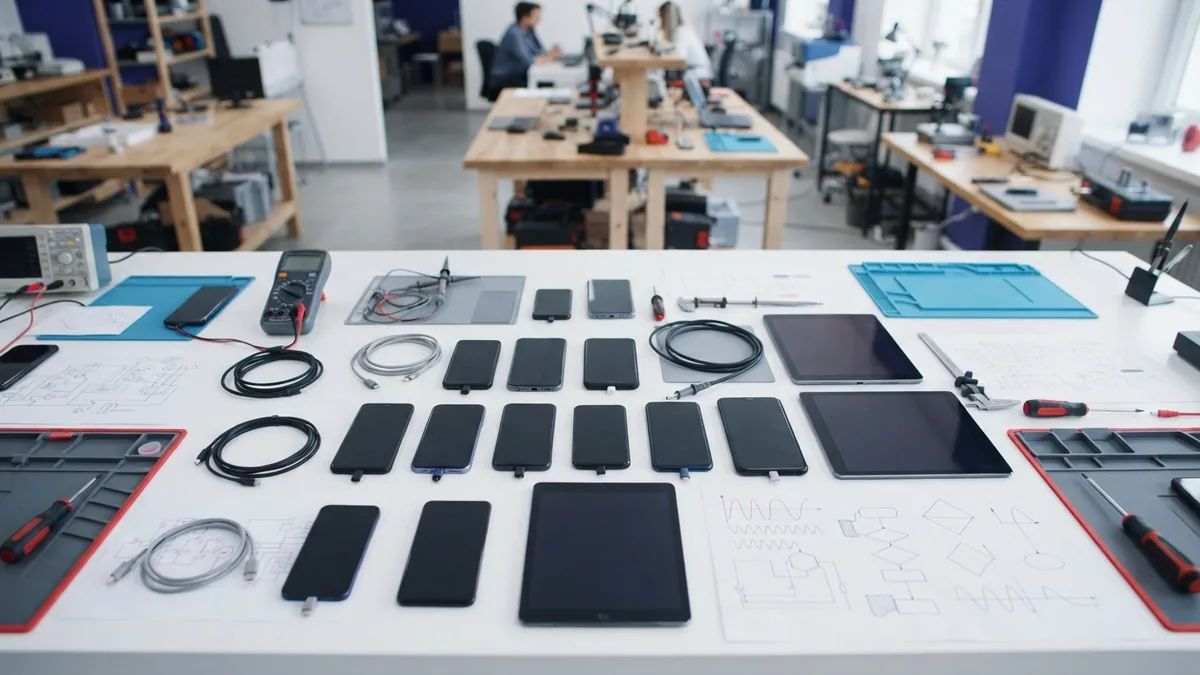
Device variety creates a large test surface. Screen sizes, operating system versions, chip speeds, and permissions can all differ. A layout that works on one phone may fail on another. Teams need a device list based on real users, not every device ever made.
Network loss is another common risk. A train ride, lift, or crowded event can break a request. Apps should show useful status, save safe local work, and retry with care. Offline features need clear rules for conflicts.
App store reviews add more risk. A release can fail because of a crash, privacy issue, or unclear permission request. Teams should review store rules early. They should also test the full install, update, and removal paths.
Small screens make errors costly. Long forms, tiny controls, and slow starts hurt use. Measure launch time and key request times on real devices. Fix the biggest user pain first.
Where Mobile Development Is Going
Shared code will keep growing, but native skills will still matter. Teams need native knowledge for camera tools, health data, sensors, and high-speed graphics. The strongest developers can choose a path instead of treating one framework as a cure for every need.
On-device AI will add new app features, such as voice help, image sorting, and smart search. Local processing can cut delay and keep some data on the device. It also raises new needs for battery checks, model updates, and privacy tests.
Build pipelines will become more automated. Teams can run tests, create signed builds, and send staged releases from one system. This is part of DevOps in mobile development. The goal is not release speed alone. It is safer, repeatable delivery.
The career lesson is simple. Learn the app layer, then learn the systems around it. A full stack mobile developer who can ship, measure, and improve a product will stay useful as tools change.
Frequently asked questions
- What is a full stack mobile developer?
- A full stack mobile developer builds app screens, server code, APIs, databases, tests, and releases. They connect the main parts of a mobile product.
- What is the difference between native and cross-platform mobile development?
- Native mobile development targets one platform with its own tools. Cross-platform development shares much of the code across Android and iOS.
- Which coding languages should a mobile developer learn?
- Java, JavaScript, HTML, and CSS are useful core languages. Many developers also learn Kotlin or Swift for deeper native work.
- Is React Native or Ionic better for mobile app development?
- React Native suits shared code with native platform parts. Ionic suits web-led apps that use HTML, CSS, and JavaScript.
- What are the stages of mobile app development?
- The life cycle includes planning, design, development, testing, deployment, and later improvement. Each step lowers product and release risk.
- How do I become a full stack mobile developer?
- Start with one language and one platform. Build two small apps, add an API and database, test them, and show the work in a portfolio.
Related reading

How Much Do UI/UX Designers Make in the US?
Compare UI/UX salaries by experience, location, and role.

What Is WooCommerce and How Do You Use It?
See how WooCommerce turns a WordPress site into an online store.

What Should You Sell on Ecommerce?
Find product ideas, check demand, and test your offer before you invest.