Best Laptop for Full Stack Developer (2026 Buying Guide)
Find the best full stack developer laptop for web development. Learn the right RAM, CPU, screen, SSD, and battery specs, plus top picks.
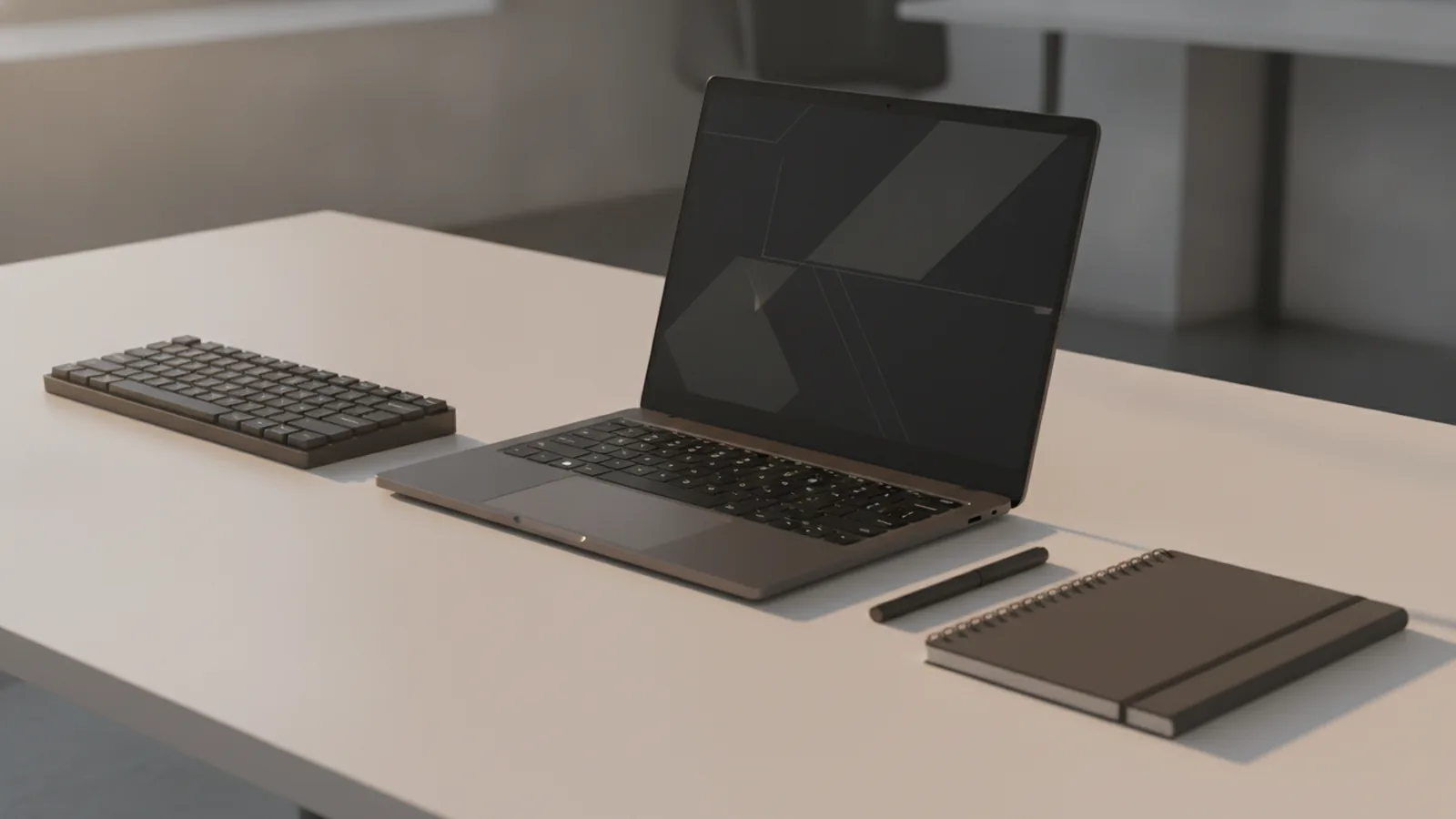
Overview of full-stack development needs
The best laptop for full stack developer work is one that stays fast under load while you juggle code, tests, and local services. Full-stack development often means running a web app, an API, a database, and build tools at the same time. Your laptop must handle multitasking without slowing down when CPU or memory demand spikes.
In practice, you’ll switch between an editor, a browser with multiple tabs, logs, and terminal commands. You may also run containers, compile native modules, or stream live reload. When these tasks overlap, the system needs strong CPU performance, enough RAM, and quick storage so project loads and rebuilds feel instant.
Usability matters too. A comfortable keyboard, a trackpad that works reliably, and solid screen real estate reduce friction during long debugging sessions. If you plan to move between desks, classrooms, or coworking spaces, laptop portability and battery life can be the difference between “works great” and “feels painful.”
- Multitasking with local servers and build tools
- Fast project loads and rebuilds using NVMe SSD
- Usable screen size for code and dev tools
- Battery life for active development sessions
Key specifications for development laptops
Start with RAM requirements. For basic tasks like editing, running a dev server, and using a few browser tabs, 16GB RAM is the minimum that keeps things tolerable. For real full-stack workflows, 32GB RAM is the sweet spot. It helps when you run a database, keep Docker-like services running, and avoid constant swapping.
Next, focus on CPU performance. Multi-core processors matter because builds, linting, tests, and background services can use several cores. For sustained workloads, look for modern Apple Silicon options or high-end Intel or AMD chips. A strong CPU also keeps UI responsive while compilation and indexing happen in the background.
Storage speed is another make-or-break detail. NVMe SSD storage is preferred because it reduces time spent opening projects, installing dependencies, and starting containers. Aim for at least 512GB NVMe SSD for multiple projects, node modules, and cached builds. If you expect large repositories or frequent media downloads, consider 1TB.
Then evaluate screen size and resolution for screen real estate. A 14-inch laptop can work, but you should target at least 1920x1200 or a better resolution. Higher pixel density and more vertical space make it easier to view code, documentation, and logs without constant scrolling. If you often split your screen, a wider and taller display can feel like a productivity boost.
Finally, check battery life. For practical use cases, battery life should exceed 6 hours of active development. Real results depend on brightness, Wi‑Fi use, and background CPU load, but the goal is clear. If a laptop drops far below that, you’ll spend more time searching for outlets than debugging.
| Spec | Minimum | Recommended | Why it matters |
|---|---|---|---|
| RAM | 16GB | 32GB | Reduces swapping while servers run |
| CPU | Modern multi-core | Apple Silicon or high-end Intel/AMD | Builds and tests run faster under load |
| Storage | 512GB NVMe | 512GB–1TB NVMe | Faster installs and project startup |
| Display | 14 inch, 1920x1200 | 14 inch+ with better panels | More usable space for tools |
| Battery | > 6 hours | > 8 hours (ideal) | More focus time away from outlets |
Top laptops for full-stack developers
When people ask for laptops for web development, they usually want something that feels smooth in the editor and fast during builds. Below are picks that align with the key specs above. Rather than chasing a single brand, focus on RAM size, CPU class, and NVMe storage configuration.
One strong category is premium laptops with Apple Silicon or high-end Intel/AMD CPUs, paired with 32GB RAM and NVMe SSD storage. These tend to deliver excellent sustained performance and good battery life, especially when you keep background services under control. They also tend to handle code indexing and local dev tooling without constant fan noise ramping.
If you want “best computers for programming” in a practical sense, prioritize models that you can configure with 32GB RAM and at least 512GB SSD. Many mainstream lines ship with smaller base configurations, so look for upgrade paths before buying. The best experience often comes from memory and storage choices more than from a specific benchmark score.
- Best overall developer feel: a premium ultrabook or creator laptop with 32GB RAM, NVMe SSD, and a 14-inch 1920x1200+ display.
- Best for heavy local stacks: a laptop with a higher power CPU and 32GB RAM, especially if you run databases and container stacks often.
- Best for portability: a thinner model that still offers 32GB RAM and an efficient CPU, with battery life above 6 hours.
To keep this guide actionable, here’s how to choose between configurations. If you run multiple services locally, treat RAM as a hard requirement, not a preference. If your workflow is lighter but you care about travel, still aim for 32GB when possible, and buy the best screen you can afford for screen real estate.
Operating systems for development also play a role. Most full-stack workflows work on macOS, Windows, and Linux, but tooling choices can vary. If you rely on specific environments, choose an OS that matches your dev workflow and the tools you use daily. A laptop that matches your toolchain reduces friction more than a small performance bump.
Budget-friendly options that still work
Not every developer can buy a high-end configuration. The good news is that you can still get a solid full stack developer laptop without spending on the top tier. Start by protecting the essentials: RAM, CPU class, and NVMe SSD. A cheaper laptop with 16GB RAM can be workable, but 32GB is worth stretching for full-stack multitasking.
For budget laptops, you’ll often see slower storage or smaller SSDs. Avoid 256GB configurations for full-stack development because you will fill them quickly with dependencies and caches. If the model has an upgrade slot for RAM or storage, plan around that. Buying with a clear upgrade path can keep your build environment stable.
Here are concrete budget targets that usually feel good for development workflow. Aim for a modern multi-core CPU, at least 16GB RAM, and 512GB NVMe SSD. If you can find a deal with 32GB RAM, prioritize it over upgrading to a higher CPU tier later.
- Pick 16GB RAM as the minimum. If possible, buy the variant with 32GB.
- Choose NVMe SSD over SATA. Prioritize 512GB or more.
- Target 14-inch 1920x1200. A sharper screen reduces scrolling and context switching.
- Verify battery life claims. Look for reviews that mention real development use.
Budget machines also benefit from good habits. You can reduce load by stopping unused local services, limiting browser tab sprawl, and keeping dependency installs under control. Still, the laptop must meet the baseline specs above, or you’ll feel slowdowns during debugging and test runs.
Conclusion and recommendations
Choosing the best laptop for full stack developer work is mostly a specs decision, not a brand decision. If you remember one rule, make RAM requirements a priority. Minimum 16GB RAM covers basic work, but 32GB RAM is recommended for optimal full-stack performance with servers, databases, and complex apps running together.
CPU performance matters next. Look for multi-core processors from Apple Silicon or high-end Intel and AMD lines to handle sustained builds and background tasks. Pair that with NVMe SSD storage, ideally 512GB or more, so project startup and rebuild times stay snappy.
Don’t ignore screen size. Aim for at least a 14-inch display with 1920x1200 resolution or better, because screen real estate changes how fast you debug. Finally, choose a laptop with battery life above 6 hours for active development, so you can actually work away from power.
If you’re buying right now, decide based on your heaviest workload. If you run multiple services locally, go 32GB RAM and strong multi-core CPU first. If you travel often, prioritize portability and a good display, while still keeping the RAM and NVMe targets.
Frequently asked questions
- What specs matter most for a full stack developer laptop?
- Prioritize 32GB RAM, a modern multi-core CPU, and at least 512GB NVMe SSD. Also choose a 14-inch display with 1920x1200+ resolution for comfortable screen real estate.
- Is 16GB RAM enough for full-stack development?
- It can work for lighter projects and fewer local services. For smoother multitasking with databases and app stacks, 32GB is the safer choice.
- What screen size and resolution should I look for?
- A 14-inch laptop is a practical baseline. Aim for 1920x1200 or better to reduce scrolling and improve debugging.
- How much NVMe SSD storage do I need for web development?
- Start with at least 512GB NVMe SSD. If you work with large repos or many projects, 1TB is a better long-term fit.
- Do I really need battery life above 6 hours?
- Yes if you work outside your desk. Battery life above 6 hours helps you sustain active development without constant charging.
- Which operating system is best for full-stack work?
- It depends on your toolchain. macOS, Windows, and Linux can all work well, but match your OS to the environments and workflows you use daily.
Related reading

What Is an API, and What Does It Do?
See how APIs link apps, share data, and support common online tasks.
How Can You Represent an API in a Diagram?
Map API calls, systems, and responses with diagrams that teams can use and update.

What Is Full Stack Software Development?
See how full stack developers build and connect the parts of modern software.