What Is Product Design? Process, Roles, Skills & Trends
Learn what product design is, why user-centered design matters, how teams run the process, key roles, needed skills, and emerging trends.
What product design is (and what it is not)
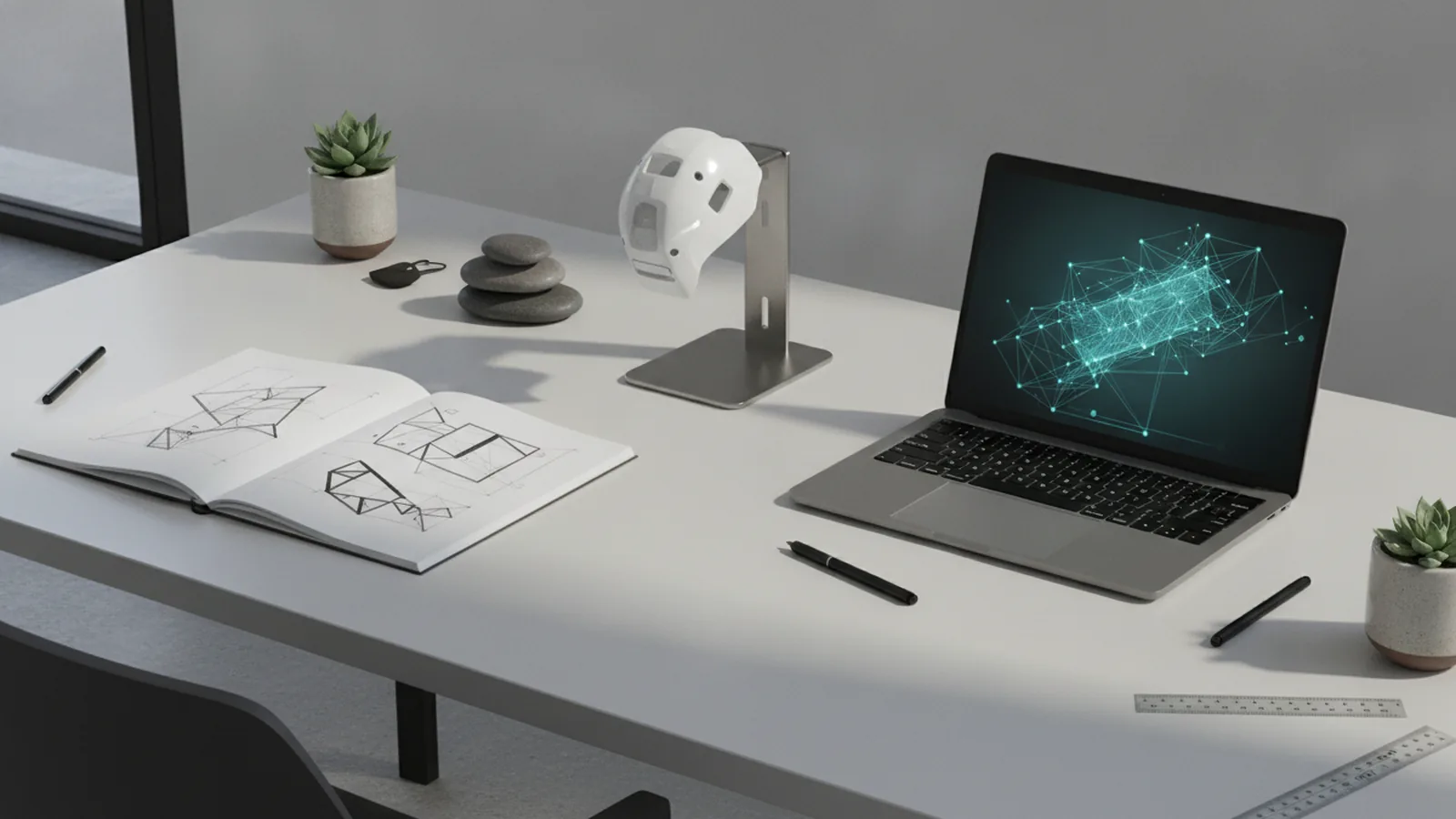
What is product design? It is how teams build products that solve user needs. The work turns a real problem into a useful product. It also fits a market need, not just a personal idea.
Product design is not only about looks. A product can look great and still fail users. Good design finds what people struggle with. Then it fixes the flow, content, and choices.
In tech, what is product design in tech? It is the user experience a person gets while using a product. That includes UX (user experience) and UI (user interface). It also includes how the product behaves in real moments.
So, when you ask “what is product design in tech,” the answer is simple. You design screens, steps, and feedback. You test them with people, then improve.
Why user-centered design is the core of the work
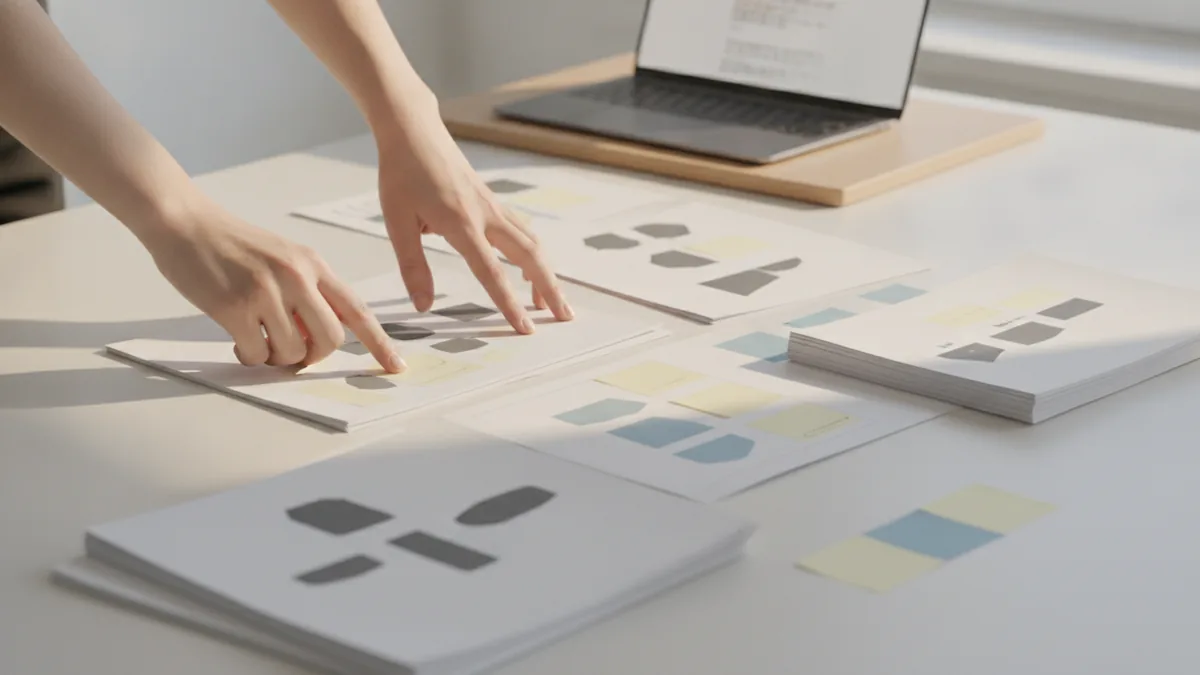
User-centered design puts the end user first. You study their habits and pain points. Then you make choices that help them get results.
This style uses empathy in design to spot what users feel. It also asks what users do, not only what they say. You watch them use your ideas in real tasks. Then you adjust based on what you learn.
In day-to-day work, user-centered design drives many activities. You do market research, user interviews, and field notes. You also run usability testing on prototypes. The goal is to find where users get stuck.
A solid test can reveal “invisible” problems fast. Users may miss a key button or misread a label. They may try a wrong path and then give up.
- Users define success via task finish rate and error rate.
- Evidence beats opinions through tests and direct feedback.
- Iteration is expected because the first idea is rarely perfect.
Key stages in the product design process
What activities are part of the product design process? Most teams run a loop. They research, then shape ideas, then test, then improve. They repeat as scope grows and risk changes.
Teams often start with research and problem framing. They learn who the users are and what blocks them. Then they set clear goals and limits. Next comes ideation to pick possible paths.
After ideas, teams move to prototyping. Prototyping makes a testable model. It can be paper, slides, or clickable screens. The point is quick learning, not final build.
Then comes usability testing. You ask people to complete tasks while you observe. You track where they pause, fail, or misunderstand. After that, you iterate and re-test.
- Research: learn from market research and user talks.
- Frame the problem: set goals, limits, and success signs.
- Ideation: make options and pick the best bets.
- Prototype: build a model that users can try.
- Usability testing: watch users, collect notes, and log errors.
- Iteration: fix issues, then test again.
- Launch support: review build details and edge cases.
Here is a quick example. You design an app signup flow. Research shows users quit after step three. Ideation cuts extra steps and adds clearer help. A prototype test then confirms fewer errors.
This flow fits design thinking as a method. You use a clear goal and learn fast. You treat each test as a step in the journey.
Roles involved in product design (and how they work together)
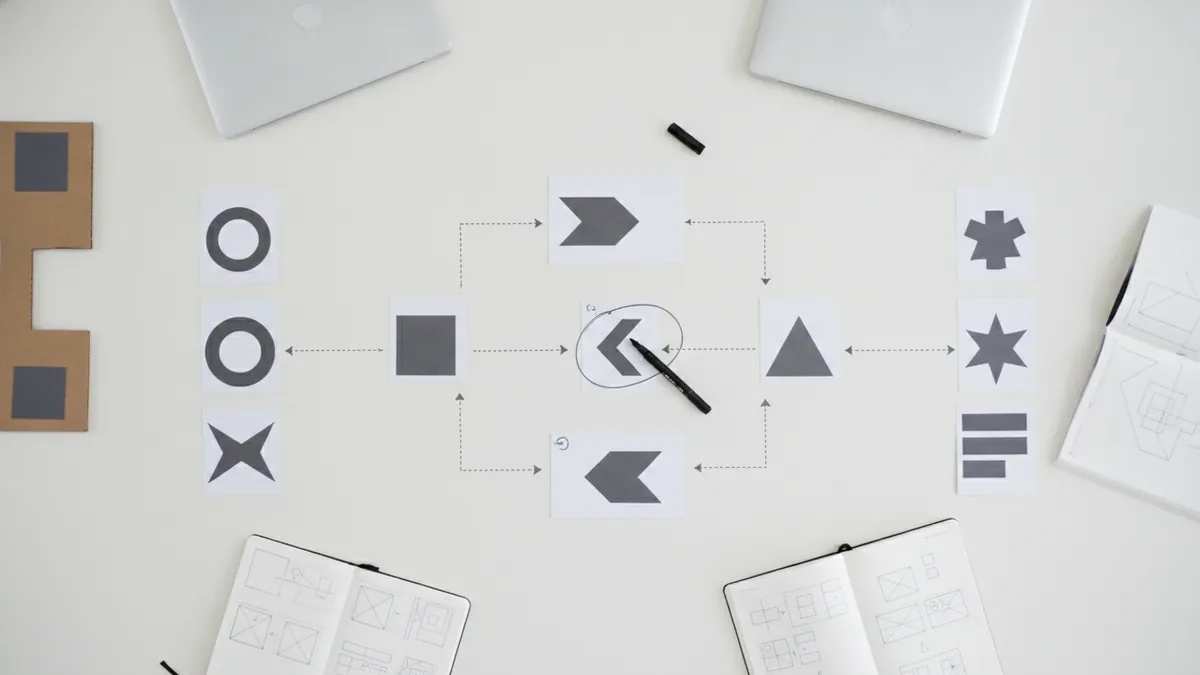
Product design works best with a team. Roles split the load based on skills and goals. That way, you cover user needs and build reality.
Common roles include the product designer. They guide the full experience and key choices. A UX designer also helps shape the user path and layout. A user researcher finds needs through talks and studies. A data analyst links user behavior to design priorities.
Teams may also use a prototyper. They build test models quickly. Then they help make tests clear and repeatable. You can think of them as the hands for the test stage.
- Product designer: owns the full user journey.
- UX designer: plans steps, labels, and flow.
- Prototyper: makes quick models for tests.
- User researcher: runs interviews and small studies.
- Data analyst: reads metrics and guides next steps.
What is product design engineering? In many orgs, it means the engineering work that builds the designed experience. It also includes checks in the live product. You test real behavior and fix issues after launch.
So what do product design engineers do? They turn design intent into working parts. They also help set limits like speed, access, and device support. They help keep the build close to the user goals.
This is also where a web design question shows up. How does web design fit? In many teams, web design is part of UX and UI. Web work must load fast and work on small screens.
Skills you need for product design work
Essential skills for product designers include UX/UI design. You also need visual design skills. You must work well with other teams. You also need prototyping skill to test early ideas.
UX/UI design is about how a person moves and acts. You plan steps, screens, and labels. Visual design then supports clarity with shape and color. It helps users spot the next best action quickly.
Prototyping is a core skill too. You do not need perfect code for early tests. You need a model that can show key steps and feedback. That lets you find confusion before full build.
Usability testing is another skill set. You learn how to write tasks and prompts. You also learn how to watch without leading users. Then you turn notes into clear fixes.
| Skill | What you do | What you get |
|---|---|---|
| UX/UI design | Map flows and screen steps | Less friction for tasks |
| Visual design | Use clear layout and style | Better scan and focus |
| Prototyping | Build clickable or real mockups | Faster user tests |
| Team work | Run talks and share decisions | Aligned plans across teams |
| Usability testing | Test tasks with users | Real issues, early |
Some projects also touch industrial design. What is industrial product design? It is making physical goods that are safe and usable. The goal of industrial product design is to create objects people can operate well. It must also fit real making limits.
Emerging trends shaping product design now
What is changing in product design? Digital product design keeps rising. Teams design web apps, mobile apps, and connected tools. That adds more care for access and speed.
Another trend is Agile methods in design work. Instead of one long design block, teams work in short loops. They ship prototypes, test them, and then adjust. This lowers the risk of building the wrong thing.
Data analytics plays a bigger role too. Teams use funnels and heat maps to find drop points. They also use cohort views to see change over time. Still, data should guide tests, not replace them.
Many teams also mix data with user talks. They look for the “why” behind a metric drop. Then they test a fix with a prototype. This mix keeps decisions grounded.
- More digital product design across web, mobile, and devices.
- More Agile loops with fast tests.
- More analytics tied to user proof.
- More cross team work for faster shipping.
How to learn product design (and build proof of skill)
How to learn product design? Start with the basics of user flow. Learn UX and UI layout principles. Then learn how to make a prototype. Finally, learn how to run usability testing.
Do this through real projects. Pick a small problem in a tool you use. Then build a simple design loop. You do research, make a prototype, test it, then revise it.
Formal study can help, but you can learn via online courses too. Choose a course that covers design thinking and usability testing. Avoid only watching screen layout videos. You need hands-on practice.
Your portfolio is the proof. Show your process, not only final screens. Each case should include a clear problem and your test notes. Then show what changed after each test round.
- Learn fundamentals: UX basics, UI layout, and user goals.
- Practice prototyping: make clickable flows you can test.
- Run usability testing: observe tasks and write clear notes.
- Iterate: fix issues and repeat the test.
- Pick a focus: UX, UI, web, or product work.
Many learners ask “what is product design engineering” once they ship. It helps to know team handoff needs early. Learn how design files map to build work. Learn common limits like access rules and speed.
Also, some ask how to copyright a product design. In many places, you cannot copyright a “product idea” only. You may protect your drawings or your code in some cases. For exact rules, talk with a local IP expert.
Frequently asked questions
- What is product design in simple terms?
- Product design is how teams build products that solve user needs. They use research, design work, and testing to fit real life.
- What activities are part of the product design process?
- Common activities are research, ideation, prototyping, usability testing, and iteration. Teams repeat these steps until the product fits goals.
- What do product design engineers do?
- Product design engineers help build the designed user experience. They check real behavior after build and fix issues with evidence.
- What is digital product design?
- Digital product design is product design for software experiences. It covers UX and UI for web apps and mobile apps.
- What skills are essential for a product designer?
- You typically need UX/UI design, visual design, prototyping, and team skills. Usability testing helps you make choices with real evidence.
- How to learn product design without a degree?
- Use online courses to learn UX basics, then build your own cases. Show prototypes and your usability tests, then explain how you improved.
Related reading

Is Ecommerce Growing, and Why Does It Matter?
Learn what drives ecommerce growth and where online stores can stumble.
What Is a Headless API, and How Does It Power eCommerce?
See how headless APIs link flexible storefronts with eCommerce back ends.

What Does SaaS Stand For in Business?
Learn what SaaS means, how it works, and why businesses use it.