What Is EMR Conversion? Steps, Challenges & Best Practices
Learn what is EMR conversion, why it matters, and how to plan EMR data migration. Cover steps, risks, training, and what’s next.

What EMR conversion is (and what it isn’t)
What is emr conversion? It moves patient data from paper or old EMR into a newer EMR system. The aim is fast, safe access to the right patient info.
In real work, emr conversion often has two parts. One part scans and turns paper into digital form. The other part moves data from a legacy EMR store into a modern one.
Do not confuse this with broad digital change across a whole health org. EMR conversion is about data transfer and readiness for daily care.
- Inputs: paper charts or legacy EMR data
- Process: extract, map, test, and load data
- Result: usable patient records after go-live
Why EMR conversion matters for care and operations
Successful emr conversion gives near instant access to patient data. That helps clinicians spend less time searching and more time caring.
It also improves care follow-up and care tracking. When allergy and med history load well, teams avoid guesswork. That supports steadier clinical decision-making.
Common reasons include mergers, system shutdown, and upgrades. Many teams also convert for better speed and lower daily effort.
A well run emr implementation process can cut disruption. It can also improve data integrity before staff depend on it. The payoff is smoother day one use.
| Conversion reason | What improves | Main risk |
|---|---|---|
| Legacy EMR retirement | New support and better speed | Wrong field mapping from old data |
| Organizational merger | One patient view across sites | Duplicate patients and bad merges |
| System upgrade | Better workflows for staff | Missing key fields at load |
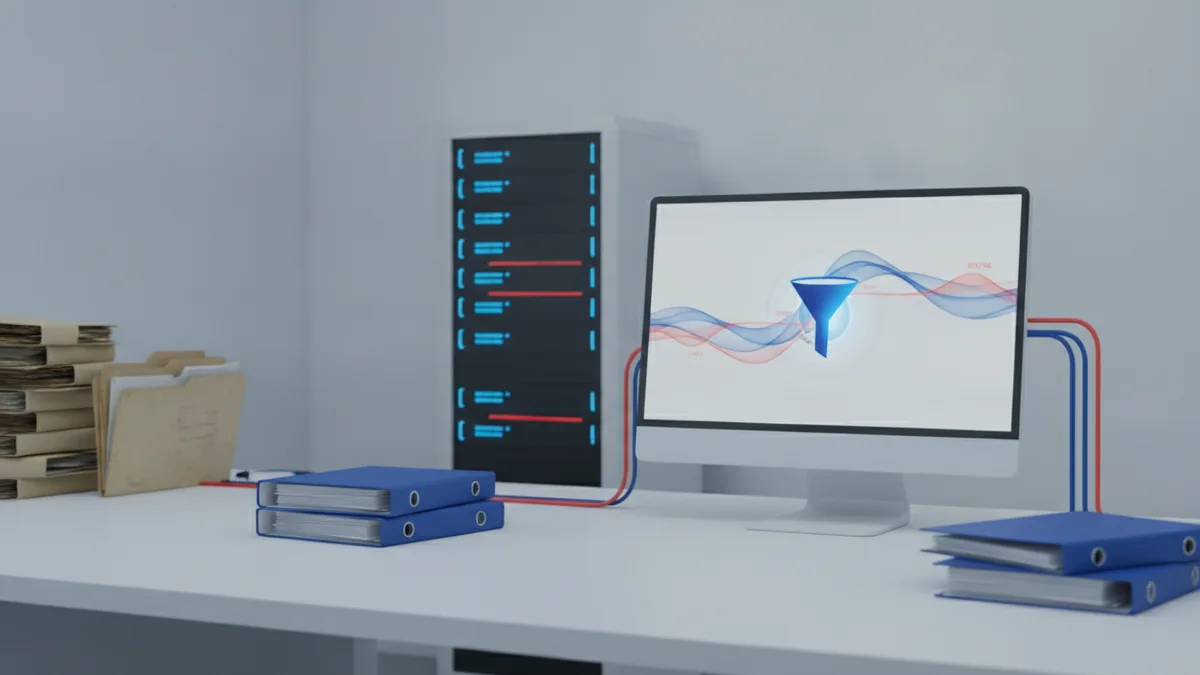
Steps for effective EMR data migration
Good emr data migration starts with clear goals. Define which system you move to and which data must work on day one.
Then form a dedicated team with clear owners. Include a clinical lead, an IT lead, a project lead, and a data lead. Add security and legal help early.
Next, build a plan for extraction, mapping, testing, and training. Use a pilot run for one clinic or one time range. Repeat tests until core charts look right.
Here is a practical step path most teams can follow.
- Set team roles and rules: name owners, set timelines, and plan how issues get fixed.
- List all legacy data: write down what exists, where it sits, and how clean it is.
- Pick what to move first: move core patient fields before documents and extras.
- Map fields: align source fields to target fields using data mapping rules.
- Extract and stage data: copy data into a safe staging area for review and edits.
- Test in loops: check counts, key fields, and search use in the new EMR.
- Train users: run user training and set help for go-live days.
Field mapping must handle messy inputs. Old dates may use odd formats. Old codes may not match new code sets.
When mapping rules are not set, clinics feel it fast. You can see gaps in meds, allergies, and visit notes during test.
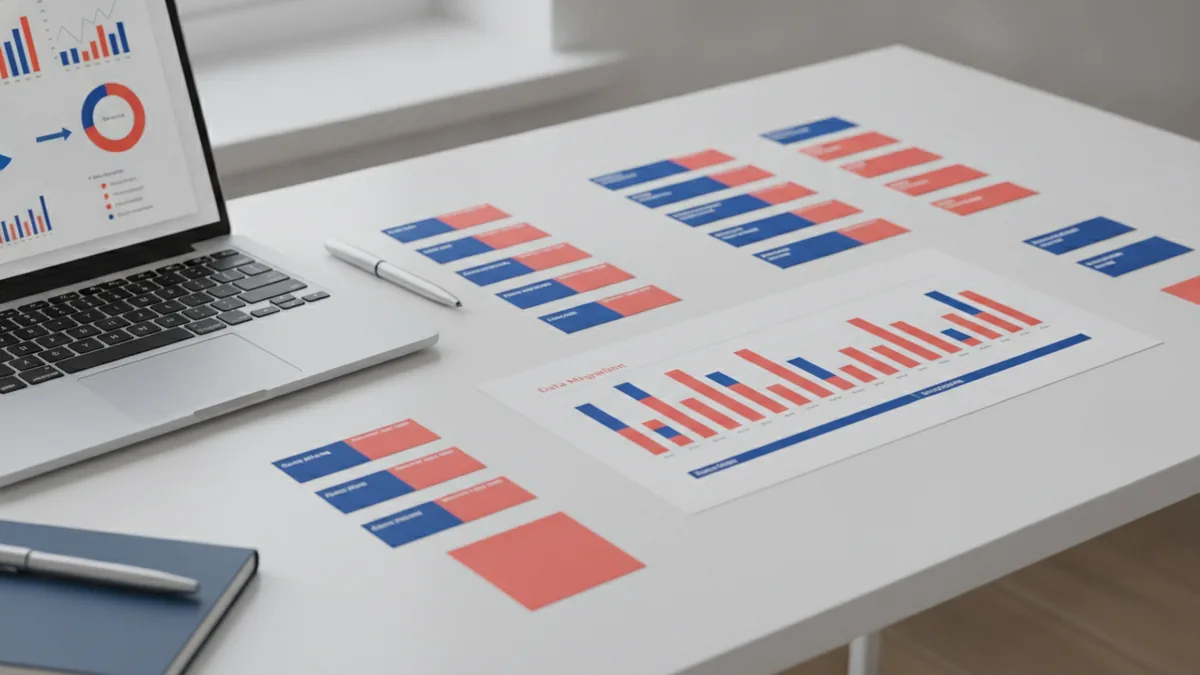
Common challenges during electronic medical record conversion
EMR conversion is rarely a simple copy. A top issue is data access. Some legacy systems block exports or hide data in odd ways.
Another issue is regulatory compliance and data safety. Even if data can move, access rules must fit your health rules. Audit logs and safe storage matter.
A big risk is data loss during transfer. This can be total or partial. Missing allergies can be as harmful as a full chart gap.
There is also a workflow risk that tests can miss. A record can load but still be hard to find. Then staff use manual workarounds and time drains.
- Legacy data quality: missing values and wrong formats show up in tests
- Patient matching: wrong IDs can create duplicate charts
- Document ties: scans may not link to the right visit
- System links: other tools may expect data in a set shape

Tips for successful data migration (from planning to verification)
Start with a “definition of done” for clinical use. Count records, but also open real patient charts. Try common tasks that staff do every day.
Use a staging space to reduce live risk. Do extraction and mapping away from active work. Then you can fix issues without breaking care.
Plan for patient matching and record merge rules. This is not just a data task. Bad merges can harm clinical history and harm later care.
Verification must be measurable and repeatable. Use quick checks like record counts by patient. Then do manual spot checks for meds, allergies, and care notes.
These tactics help many teams lower risk fast.
- Pick a cutover window: pause new edits or run an extra sync plan.
- Log each mapping rule: write how you transform fields and handle odd cases.
- Set pass goals: require high fill rates for key fields before go-live.
- Run parallel checks: use a short review period for staff and data QA.
User training is key after conversion. Staff need clear steps for the new screens and new flows. They also need help when data looks wrong.
With good support, errors get fixed sooner. That helps protect data integrity after launch.

The future of EMR systems and what it means for conversion
EMR systems keep moving toward better data sharing. Many orgs also use an EHR view across care sites. That makes conversion more about data readiness.
Teams now want tools that repeat work with less risk. Better extraction and transformation can speed the next upgrade. This supports digital transformation across many sites.
Structured data also matters more each year. When fields use the right codes, clinical use gets more steady. It also makes future upgrades less fragile.
For your next conversion, plan a loop. Track data issues during each go-live. Then update your mapping and test plans before the next move.
Conclusion and key takeaways
EMR conversion is the move from paper or legacy EMR data to a modern EMR system. It is a data transfer project with clinical goals and safety checks.
When done well, conversion boosts access to patient data. It also supports better care management and steadier daily work.
Use a dedicated team, a clear scope, and a solid emr implementation process. Expect risks in access, compliance, and possible data loss. Then reduce those risks with staging, mapping, testing, and training.
Done right, day one feels calm. That is what patients and staff need most.
Key takeaways
- EMR conversion moves patient data from paper or legacy EMR into a new EMR
- It supports care by improving fast, reliable patient data access
- EMR data migration should include a team, a scope, and careful field mapping
- Common risks are data access issues, compliance gaps, and data loss
- User training plus follow-on support helps keep data integrity after go-live
Frequently asked questions
- What is EMR conversion in healthcare IT?
- EMR conversion is the move of patient data from paper or legacy EMR into a newer EMR. It aims to make that data usable for day to day care.
- What is included in emr data migration?
- EMR data migration usually includes extraction, field mapping, staging, testing, and load. It also includes checks for data quality and staff training.
- Why do organizations do electronic medical record conversion?
- Organizations convert for mergers, old system shutdown, or upgrades. They also convert to improve care flow and reduce work for staff.
- How do you prevent data loss during emr data transfer?
- Use staging, test often, and set quality thresholds for key fields. Then verify real patient charts, not only record counts.
- What training is needed after EMR conversion?
- Staff need user training for common tasks and new workflows. Ongoing support helps fix issues fast and protects data integrity.
- How long does an emr implementation process take for conversion?
- It depends on data size, data quality, and project scope. Many teams run pilot loads and several test cycles before final cutover.
Related reading
How Do You Create a REST API in Python or Java?
Build a REST API in Python or Java, from endpoint design to testing.

What Does a Full Stack Software Developer Do?
See what full stack developers do, what they need to learn, and where the role can lead.

Is Ecommerce Growing, and Why Does It Matter?
Learn what drives ecommerce growth and where online stores can stumble.