White Space in Graphic Design: Types, Uses, Tips
Learn what white space is in graphic design, the active vs passive types, and how to use empty areas for clarity, hierarchy, and branding.
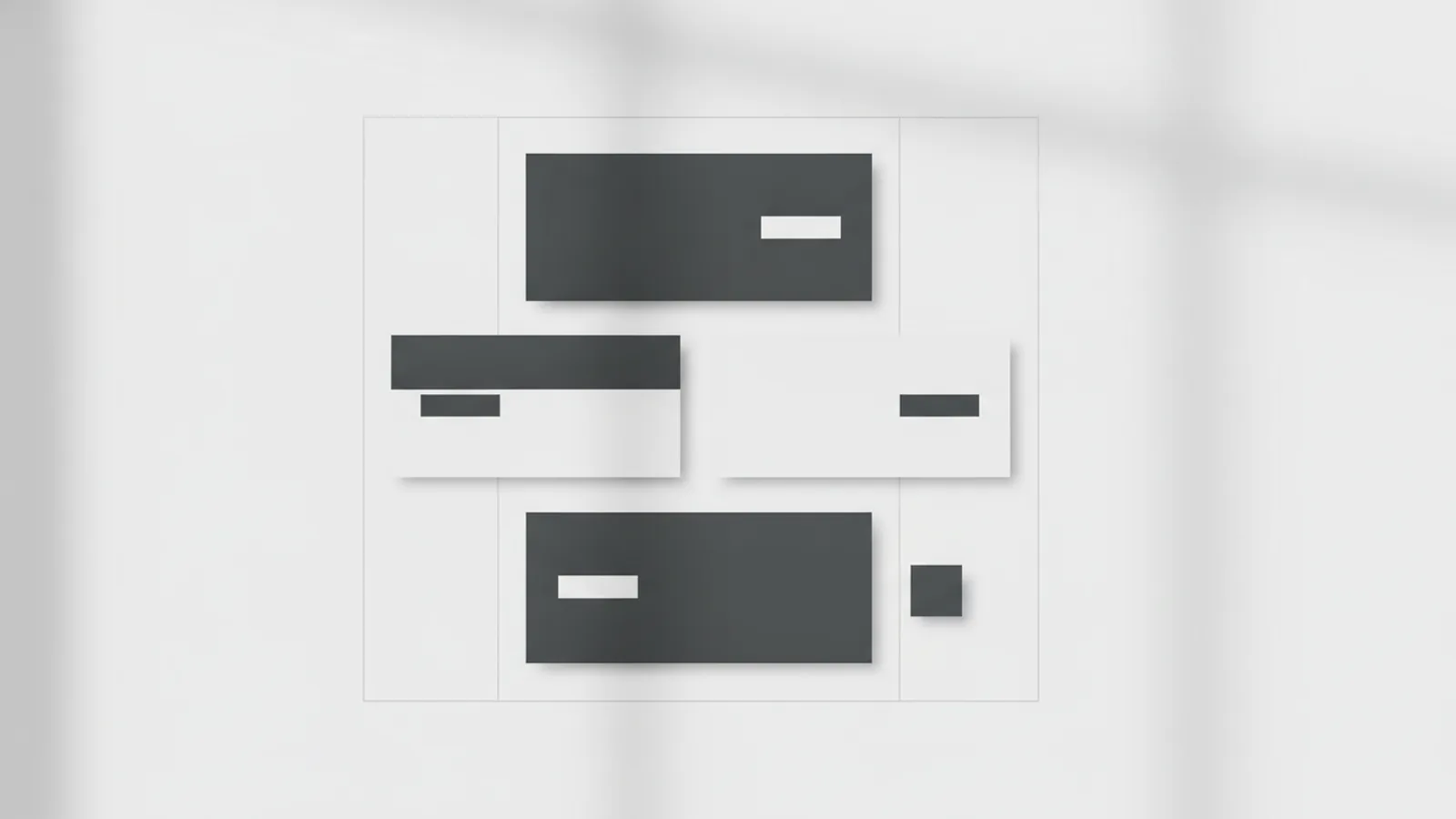
What is White Space in Graphic Design?
White space in graphic design is the empty area around and between elements. It makes layouts easier to read and more pleasant to look at. Even when you set a white background, the real point is spacing, not the color.
If you are asking what is white space in graphic design, think of it as intentional “breathing room.” That room improves readability by separating headings, body text, images, and buttons. It also helps your layout communicate hierarchy without relying on extra decoration.
So, what is space in graphic design in practice? It is the distances you choose: margins, padding, line spacing, and gaps between blocks. Designers use those distances to control what a viewer notices first.
- More spacing can reduce clutter and lower cognitive load.
- Less spacing can work when elements are simple and the content is short.
- Spacing choices should match your content density and goals.

Types of White Space: Active and Passive
There are two main types. Active white space is added on purpose to highlight something. You might increase space around a callout, a hero heading, or a product photo to make it feel important.
Passive white space happens naturally. It appears because of where elements sit relative to each other. For example, if your layout has short text blocks with no borders, the empty area between them is passive.
Active spacing is usually easier to spot. It often surrounds the key message. Passive spacing shows up as the leftover gaps that come from your grid and element sizes.
| Type | How it shows up | Design goal |
|---|---|---|
| Active white space | Large gap around a hero element | Pull attention to a primary message |
| Passive white space | Gaps created by element placement | Support a clean, calm layout |

Macro vs Micro White Space (Big Gaps and Tiny Spaces)
White space also comes in two practical scales. Macro white space refers to larger gaps between major sections, like between a header and content area. It also includes section padding and spacing between content blocks.
Micro white space deals with smaller distances inside elements. It includes spacing between lines of text, the gap between an image and a caption, and the distance between UI controls. Small choices like line height and letter spacing affect comfort a lot.
A useful rule of thumb is to check both scales. If your page feels “spread out,” you may need to reduce macro spacing. If it feels “tight” or hard to scan, you likely need better micro spacing, especially around paragraphs and headings.
- Macro check: Look at the page as shapes. Can you quickly see each section’s start and end?
- Micro check: Zoom into text. Are lines too close together or paragraphs hard to separate?
Why White Space Matters: Clarity, Hierarchy, and Better Navigation
Proper use of white space improves user interaction. A viewer navigates faster because spacing acts like invisible structure. When blocks are separated, people can scan without reading every word.
White space also supports visual hierarchy. Elements that need attention usually get more contrast through size, position, and spacing. If every section has the same density, nothing feels like it leads. Spacing differences become your quiet guide.
Think about balance in design. White space distributes weight across a layout. A dense text column on one side may feel heavy. Adding space around it can make the whole composition feel stable.
Finally, white space affects comprehension. Better legibility and readability usually come from generous line spacing and clean separation of sections. That reduces the effort needed to find meaning, which lowers mental strain.
- Strong hierarchy: spacing around the main message creates priority.
- Cleaner scanning: separated blocks reduce back-and-forth reading.
- More confidence: balanced layouts look deliberate, not accidental.
Tips for Effective Use of White Space
When you are unsure, use a grid. A consistent grid helps you apply spacing rules across the whole layout. Then white space becomes a system, not random decoration.
Start with macro spacing. Increase the gap between major sections first. Then refine micro spacing inside paragraphs, cards, and components. This approach avoids the common mistake of fixing everything with tiny tweaks.
If you are wondering how to fill empty space graphic design, the answer is usually: do not fill it with clutter. Instead, fill the intent. Use spacing to define relationships between elements.
Here are practical tactics you can apply right away.
1) Use spacing to group related content
When elements belong together, keep the spacing between them smaller. Add bigger gaps around the group. This creates clear boundaries without drawing boxes.
2) Give headings enough room to breathe
Headings need separation from both the lines above and the text below. Try increasing the gap above the heading if you want it to feel like a new start. Try increasing the gap below if you want the text to feel easier to read.
3) Tune micro spacing for text comfort
Small adjustments matter: line height, paragraph spacing, and spacing after headings. If lines look crowded, raise the line height first. If paragraphs blur together, increase space after paragraphs.
4) Create rhythm with repeated spacing values
Pick a small set of spacing steps, like 8, 16, and 24 units in your design system. Use those steps repeatedly. Rhythm makes the page feel coherent, which improves trust.
5) Use white space to strengthen calls to action
Place buttons and links in areas where the viewer’s attention already goes. Then add space around them so they feel like the next step. A button near dense text often gets ignored.
Guideline: if your layout feels “empty,” check whether the empty area has a job.
Concrete example: turning a messy layout into a clear one
Imagine a landing page with a header, three feature blocks, and a signup button. In a first pass, reduce visual clutter by removing extra borders and extra font sizes. Next, add macro spacing between the header and the first feature. Increase the gap between feature blocks so each can be scanned as a unit.
Then fix micro spacing. Add breathing room between each feature title and its description. Set line height so text blocks can be scanned quickly. Finally, move the signup button to an area with a clear separation from the features.
This is how you “fill” empty space: you assign meaning with spacing relationships. You do not need more content to fix a layout. You need clearer structure.
Common Misconceptions About White Space
Many people treat white space as unused space. That belief leads to two opposite problems: layouts that are too dense, or layouts that look too bare. White space is neither empty by accident nor empty by design only.
Another misconception is that white space means “leave everything centered and simple.” In reality, white space supports many layouts. It can work for dense editorial designs, product grids, and complex dashboards when you manage macro and micro spacing.
People also ask how to fill empty space with graphics. Sometimes that is needed, but often it is not. Before adding icons or decorative shapes, test spacing first. Decorations can help if they support meaning. They can also distract if they compete with your content.
- Misconception: “White space is wasted.” Fix: Use it to group and prioritize.
- Misconception: “Only large gaps count.” Fix: Tune micro spacing in text.
- Misconception: “More elements always balance space.” Fix: Balance by spacing relationships.
There is one more key belief: branding benefits. Designs with ample white space often feel more polished and professional. That is because viewers read spacing as intentional craft, not as a rushed layout.
If you design with white space as a tool for clarity, your layouts will feel easier to use. They will also look more confident, even with the same content.
Frequently asked questions
- What is white space in graphic design?
- White space is the empty area around and between design elements. It improves readability, clarity, and visual appeal.
- What is space in graphic design, beyond margins?
- Space includes margins, padding, line height, and gaps between blocks. It controls how easily people scan and understand your layout.
- How do I fill empty space in graphic design without clutter?
- Use spacing to group related elements and create clear boundaries. Adjust macro gaps between sections and micro gaps inside text and cards.
- What are active and passive white space?
- Active white space is intentionally added to draw attention. Passive white space happens naturally from how elements are placed.
- How does white space help visual hierarchy?
- It creates priority by giving key elements more separation. When spacing varies, viewers can quickly find what matters.
Related reading

How Can You Represent an API in a Diagram?
Map API calls, systems, and responses with diagrams that teams can use and update.

What Is Full Stack Software Development?
See how full stack developers build and connect the parts of modern software.

What Does API Access Mean for Your App or Business?
See how API access works, what it lets you do, and how to keep it safe.