How to Develop an API: Build, Secure, Test, Deploy
Learn how to develop an API with clear planning, solid endpoint design, secure auth, thorough testing, and reliable deployment.

Introduction to API development
If you want to learn how to develop an api, start with a process, not code. A good api development process reduces rework and surprises. It also helps you ship faster with fewer bugs.
Most teams begin with one real use case. Then they build an interface that other parts can rely on. This is true whether you are building an api for an ecommerce app, a saas product, or a simple internal tool.
This guide walks through planning, endpoint design, authentication and security, testing, and deployment. You will also learn versioning strategies and why good documentation matters.
- Define the purpose and scope before you write endpoints
- Pick an architecture style that fits your needs
- Use api design best practices for names, errors, and formats
- Build with strong Authentication and authorization
- Test with unit, integration, and performance checks

Plan your API before you start building
First, write how the system will work in plain terms. Your plan should answer what the api does, who uses it, and what inputs it expects. This is the start of how to develop an api in the real world.
Next, define purpose and scope. Keep scope notes short and concrete. List what is in scope and what is not. This stops scope creep before it hits your sprint board.
Then identify key resources. In an ecommerce site, resources might include products, carts, orders, and payments. In a saas application, resources often include workspaces, roles, and billing objects. For an mvp, use fewer resources but make them correct.
- Write a one-paragraph purpose statement for your create a web api goal
- List in-scope and out-of-scope features
- Identify core resources and key actions for each
- Draft one endpoint with sample input and output
Finally, set measurable targets. Pick speed goals like p95 latency and error rate limits. For instance, set a small target first. Then you can tighten it as you add features.
Planning is also where you connect to business goals. If you want how to develop a business plan for a startup, make the api support revenue paths. Your endpoints should map to onboarding, pricing, and customer success events.
Choose the right architecture for your use case
When you create a web api, you must choose an architecture style. The common options are REST, SOAP, and GraphQL. Your choice should match client needs and data shape, not team preference.
REST is a strong default for most ecommerce website flows. It fits CRUD patterns and uses HTTP methods cleanly. GET, POST, PUT, PATCH, and DELETE map well to common actions.
GraphQL can help when the client needs flexible data views. This is common in dashboards and complex ecommerce app screens. It can reduce overfetching, but you must control query depth and cost.
SOAP can fit strict enterprise needs and legacy systems. It uses formal contracts and message rules. If you must match old integrations, it may still be the best path.
| Style | Best fit | Trade-off |
|---|---|---|
| REST | CRUD work and clear caching | More calls for deep nested data |
| GraphQL | Many fields in one request | Need query limits and tuning |
| SOAP | Legacy contracts and strict rules | Heavier setup and less flexibility |
Also decide early if you will build a versioned api from day one. Versioning strategies reduce breakage as you evolve your app and application features.
Design API endpoints with clear names and behavior
Once you plan your resources, you can begin api design best practices. Start with endpoint names that people can guess. Prefer stable resource paths over vague action paths.
Use HTTP methods correctly. GET reads data, POST creates data, PUT or PATCH updates data, and DELETE removes data. This gives clients consistent behavior and makes api design easier to document.
Define response shapes up front. Use consistent JSON fields for ids, timestamps, and statuses. For lists, include pagination rules so clients can load data in chunks.
Error handling is part of design, not an afterthought. Plan error handling and validation so every route returns the same error format. Include a code and a clear message so clients can act quickly.
- Use meaningful resource names in each path
- Match HTTP methods to read, create, update, and delete
- Keep one JSON shape for success and errors
- Add pagination fields for list endpoints
- Define versioning strategies early, like /v1
If you are building an ecommerce app or ecommerce site, model the flow. For example, order placement often depends on carts and stock checks. Designing endpoints for these steps helps you later when you build the frontend.
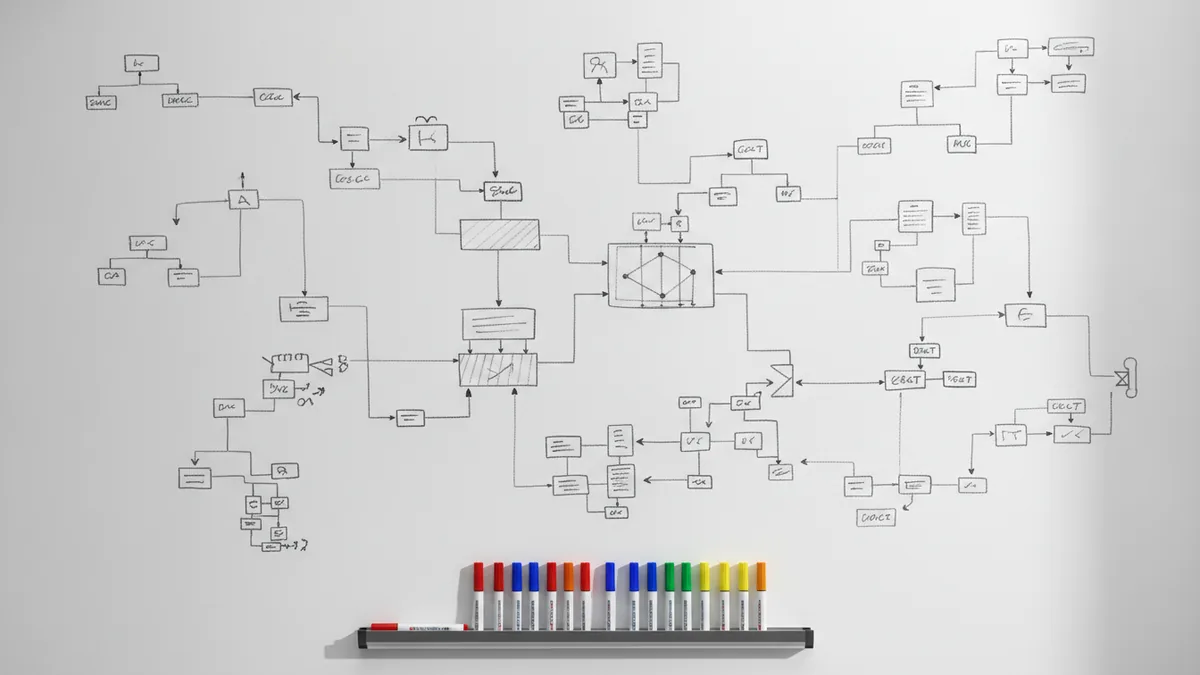
Build the API with security and modular design principles
Now you move into building an api. A common approach is to start with one full endpoint end to end. Then add routing, authentication checks, input rules, and the final response.
Authentication and authorization must be in place early. OAuth is common for delegated access, and JWT is common for signed tokens. Regardless of the tool, verify token signatures and expiry on each call.
Then check scopes or roles. This ensures users can only do allowed actions. For example, an order endpoint may allow create for customers, but allow cancel only for specific cases.
Harden the API against bad input. Validate body fields and query params on every route. Set limits for request size and rate. This protects your ecommerce website and your internal saas application from abuse.
- Build the route and parse request data safely
- Add token checks in middleware for Authentication and authorization
- Validate inputs and return a consistent error format
- Separate domain logic from HTTP logic for easier testing
Use modular design principles. Split HTTP concerns from business rules. This makes it easier to change pricing logic without breaking request parsing.
Also think about your mvp. If you plan how to develop an mvp, pick the smallest security setup that works. Then expand permissions as you learn what real users need.
Test your API for correctness, integration, and speed
Testing is part of the api development process, not a final step. Use unit tests to check core rules. Use integration tests to check full request flows and data changes.
Unit tests are ideal for pure logic. Examples include pricing math, stock rules, and state transitions. These tests run fast and catch bugs early.
Integration tests verify that endpoints work together. For an ecommerce site, an integration test might place an order and confirm inventory updates. For a saas product, it might create a workspace and assign roles.
You should also do performance testing. Measure p95 latency under expected load. Then test error paths too, like invalid tokens and missing resources.
- Unit tests for business rules and edge cases
- Integration tests for full request flows
- Performance checks for latency and error rate
- Negative tests for auth and validation failures
Finally, keep testing your API docs. If your API documentation is wrong, clients will fail. Update docs when you change endpoints or response shapes.
Deploy and maintain your API with versioning and documentation
Deployment should be boring and repeatable. Use a clear release process. Ship with feature flags if you need to toggle new behavior safely.
Monitoring helps you catch issues quickly. Track request error rate and latency. Also log auth failures and validation errors. Those signals often reveal frontend bugs or user flow issues.
Versioning strategies protect existing clients. If you add fields, you might not need a breaking change. If you rename behavior, use a new version path. This is key when your api becomes a shared dependency for an ecommerce app or saas application.
Documentation is your long-term leverage. Write API documentation that explains auth, request and response shapes, and error formats. Include examples for common flows like checkout and subscription start.
Good docs are what let other teams ship without guessing.
Also document operational behavior. Mention rate limits, pagination rules, and common failure cases. This reduces support time and improves developer trust.
What if your goal is a full product, not just endpoints?
It is common to start with how to develop an api, then grow into a larger product. For an ecommerce app, your API powers catalog views, carts, and order history. For a saas product, your API powers accounts, billing hooks, and usage data.
If you want how to develop a business plan for a startup, align the api with your product milestones. Your mvp should include the core endpoints that move money or capture value. Later versions can add advanced endpoints like exports and admin tooling.
Some founders also ask about how to develop graphic design skills, since design affects conversion. While design skills are separate, your api can still help. For example, you can build image upload endpoints and asset management endpoints with clear access rules.
In short, api development stays the same. Planning, endpoint design, security, testing, and docs stay consistent. The product context changes the resources you model.
Frequently asked questions
- How do I develop an API from scratch?
- Define purpose and scope first, then map resources and endpoints. Build one endpoint end to end with auth, validation, and consistent responses.
- What is the api development process I should follow?
- Plan, choose an architecture style, design endpoints, build, test, and deploy. Maintain it with monitoring, versioning strategies, and API documentation.
- How should I design API endpoints for an ecommerce app or saas application?
- Use meaningful resource paths and correct HTTP methods. Add consistent JSON response shapes, pagination, and a shared error format.
- Which authentication method should I use, OAuth or JWT?
- Both are common. Use OAuth for delegated access patterns, and use JWT for signed token claims, with strict signature and expiry checks.
- What testing should I do during building an api?
- Use unit tests for business rules, integration tests for full request flows, and performance tests for latency and error rate.
- How do versioning strategies work for breaking changes?
- Add compatible changes without breaking old clients when possible. For breaking changes, introduce a new version path like /v2 and update documentation.
Related reading
What Is a JSON:API? Structure, Benefits, and Use Cases
A clear guide to JSON:API structure, benefits, and real use cases.

Is Ecommerce Growing, and Why Does It Matter?
Learn what drives ecommerce growth and where online stores can stumble.

What Is a Headless API, and How Does It Power eCommerce?
See how headless APIs link flexible storefronts with eCommerce back ends.