What Is a Mood Board in Graphic Design? Purpose + How to Use
Learn what a mood board is in graphic design, why it matters for branding, and how to create one with practical steps and examples.
What is a mood board in graphic design?
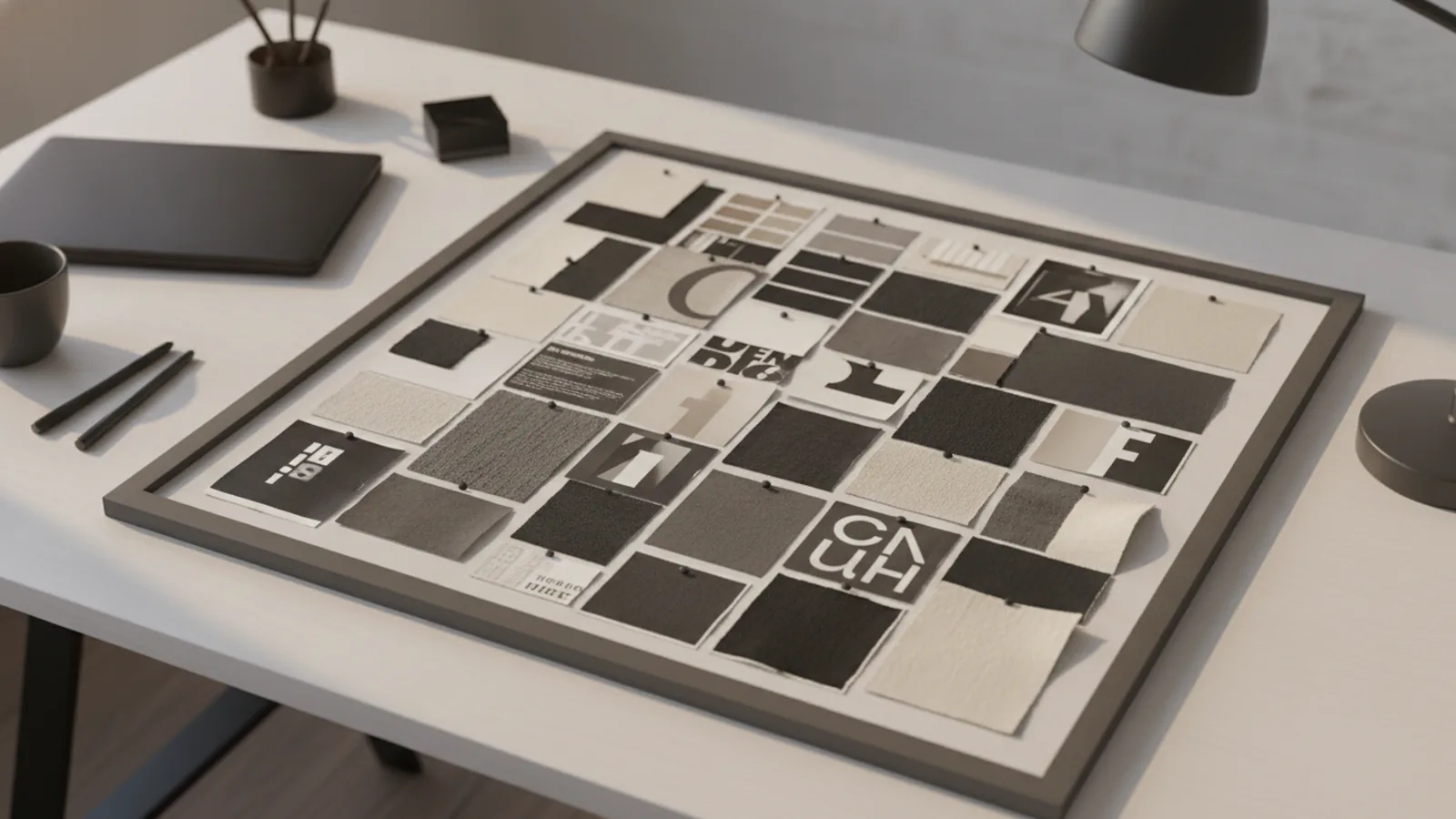
A mood board is a visual tool used during the design process. It combines images, text, and physical or digital materials to capture the feel of a project. If you have ever tried to explain “vibe” in words, you already know why a mood board helps.
So, the mood board definition is simple. It is a curated collage that gathers references for a target visual direction. You build it to explore options, align early, and reduce rework later.
In practice, a mood board can support everything from graphic design concepts to broader visual identity work. It helps you test a color palette, typography style, and overall aesthetic before you commit.
Why mood boards matter in graphic design
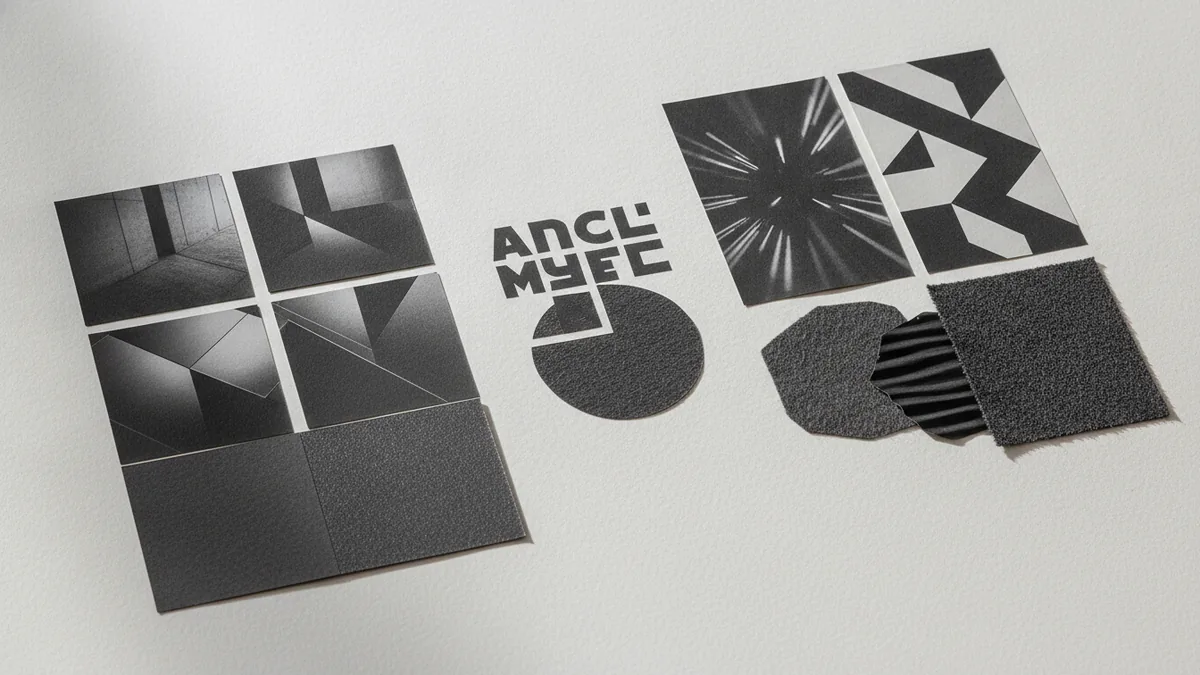
The mood board purpose is clarity. Designers and clients often mean different things when they discuss “clean,” “bold,” or “premium.” A board turns those vague terms into concrete visuals.
A mood board also strengthens visual identity. It shows how style, color schemes, and typography can work together. That makes it easier to keep branding consistent across a set of assets.
Finally, mood boards improve design inspiration flow. Instead of starting from a blank canvas, you start from real references. That makes creative expression more focused and less random.
How to create a mood board (step-by-step)
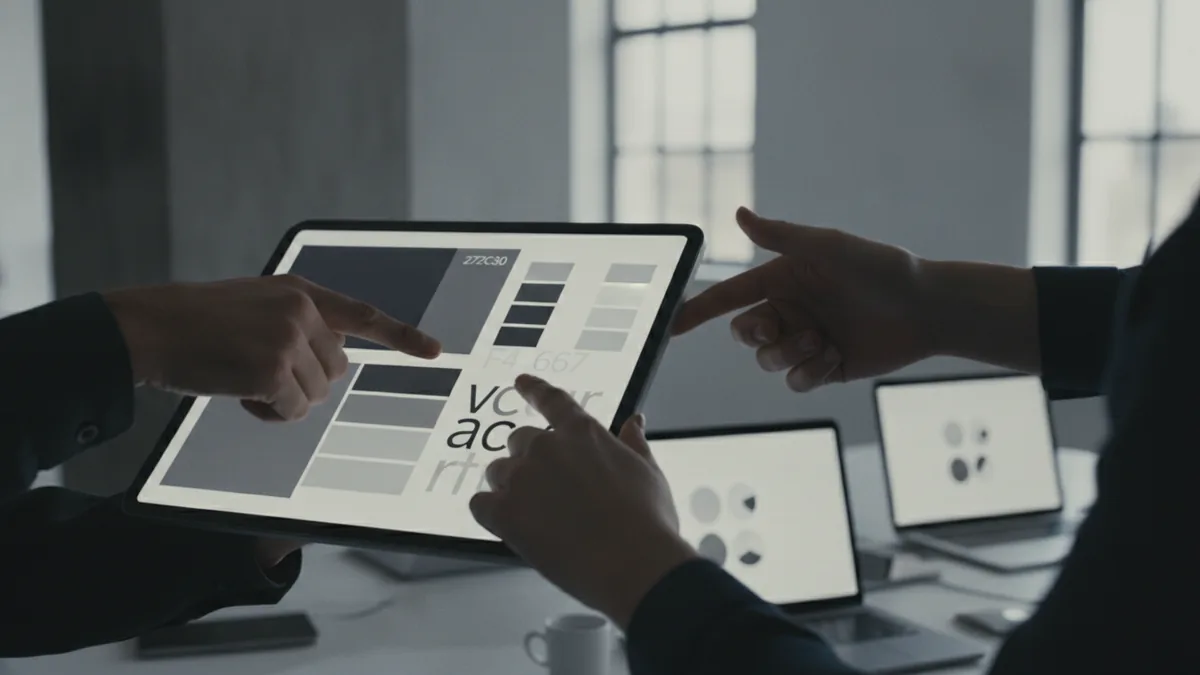
To create a mood board, start with a clear target. Pick the project’s goal, the audience, and the design direction you are exploring. Then decide what “success” looks like for the board.
Next, collect references that match the intended concept. Use a mix of sources so the board does not become repetitive. You can include photos, screenshots, layouts, material samples, and typographic examples.
Then organize your board. Group items by theme, like “warm minimal,” “playful vintage,” or “sleek tech.” Finally, refine it until the board tells one clear story.
- Write a short brief for the mood you want.
- Gather 30–60 references to choose from later.
- Select 15–25 strongest items for the final board.
- Arrange them into clusters that show style, color, and type.
- Add short labels to guide decisions, not to explain everything.
Digital tools like Pinterest mood board boards or design apps can speed up this workflow. They also make it easy to rearrange and export. If you prefer a hands-on approach, you can build a physical collage and then scan it.
What to include in your mood board
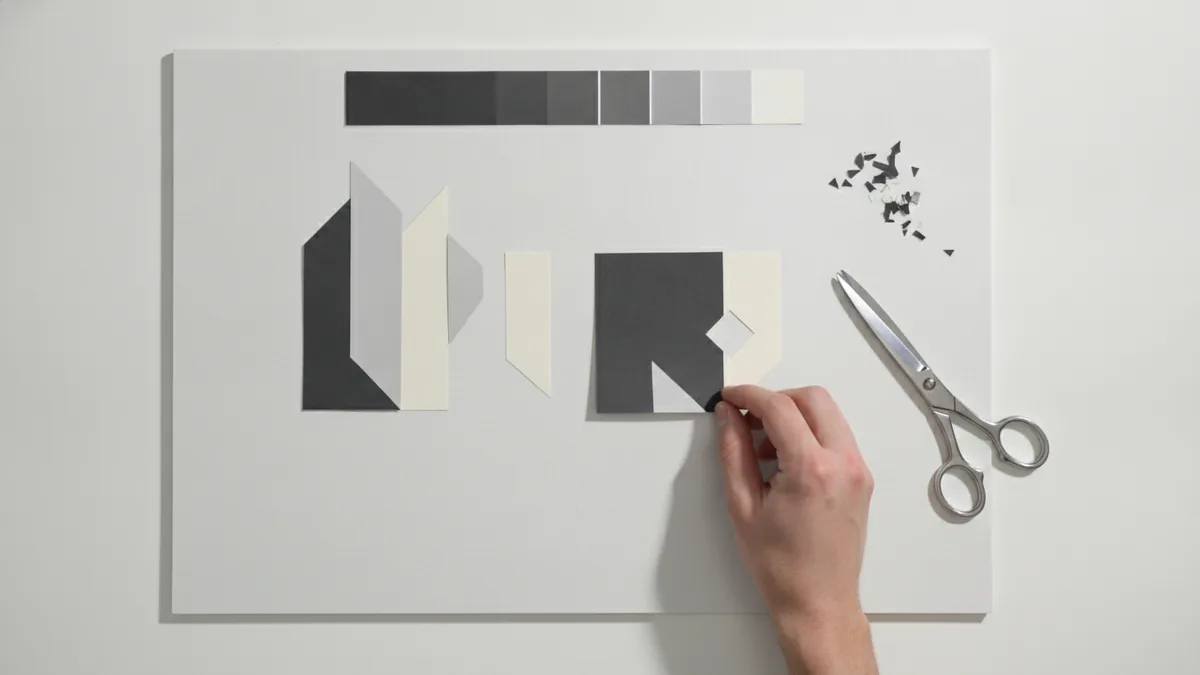
Good boards include more than random images. They communicate a consistent design language. Most boards work best when you cover five areas: visuals, color, typography, texture, and usage context.
For visuals, choose photographs or graphic samples that match the intended subject and mood. For color, aim for a color palette that shows both primary and supporting tones. For typography, include font samples or typographic layouts that demonstrate rhythm.
Texture is what makes a board feel real. It can come from paper scans, fabric patterns, lighting effects, or grain overlays. When you include textures, you help the team imagine how the design will look in real life.
| Element | What to add | Why it matters |
|---|---|---|
| Photographs | 3–6 image references with matching lighting | Sets the mood and visual tone fast |
| Color palette | 5–8 swatches with hex-like labels | Guides decisions across screens and print |
| Typography | Headings, body style, spacing examples | Defines brand voice and hierarchy |
| Textures | Paper grain, fabric scans, background patterns | Adds depth and material feel |
| Layout samples | Small mock references for composition | Shows how visuals flow together |
Tips for creating effective mood boards
Keep your board focused. If everything fits, nothing will stand out. A practical trick is to set a theme name before you collect references. Examples include “cozy modern,” “bold editorial,” or “calm wellness.”
Use contrast on purpose. If your board feels flat, add one strong element that breaks the pattern, like a high-contrast color, a new texture, or a typographic shift. That kind of controlled variation helps the design process produce better options.
Add small notes that steer decisions. Use labels like “primary accent,” “headline style,” or “background texture.” Keep them short, so the mood board remains visual, not a document.
Also consider collaboration. Mood boards are valuable for communication among designers and clients. When everyone sees the same references, you reduce back-and-forth on aesthetics. That alignment supports smoother reviews and faster approvals.
- Collect more than you need, then narrow down.
- Mix formats: photos, type, and layout references.
- Group items into visual clusters for quick scanning.
- Limit labels to decision cues, not long explanations.
- Export versions for different stakeholders if needed.
Quick check: if someone can describe the board in one sentence, you are on track.
Mood board examples in use
Seeing mood board examples helps you understand the output. One common use is for branding mood boards. A brand team might gather hero photography, logo-safe colors, type styles, and textures that feel consistent across a website and packaging.
Another example is for graphic design concepts. A designer can build a mood board for a poster series by combining layout references, contrast levels, and typography mood. That makes the next design steps easier because the style rules are already visible.
Mood boards can also support user experience design discussions. For example, a product team might build a board that shows spacing habits, button style direction, and image treatments. Even without full UI mockups, the board sets expectations for how the experience should feel.
Here are three realistic scenarios you can copy. Each shows how the board becomes a tool for the design process, not just a decorative collage.
- Startup visual identity: warm photography, soft gradients, bold sans type, light paper textures, and a 5-color palette.
- Event poster concept: high-contrast colors, distressed textures, tight typographic hierarchy, and several layout samples for variety.
- App onboarding direction: calm color palette, rounded typography examples, gentle image lighting, and layout cues for hierarchy.
When you share these boards, keep the conversation on decisions. Ask what feels right, what feels off, and what should change. That turns design inspiration into clear next steps.
Frequently asked questions
- What is a mood board in graphic design used for?
- It is used to explore and communicate a project’s visual direction. It combines images, text, and materials so everyone shares the same look and feel.
- What is a mood board definition in simple terms?
- A mood board is a curated collage of references that represent a design mood. It helps guide branding and creative decisions early.
- How do you create a mood board for branding?
- Collect references that match the brand vibe, then choose the best 15–25. Organize them by color, typography, and visual style so the board tells one clear story.
- What elements should a mood board include?
- Common elements are photographs, a color palette, typography examples, and textures. Layout cues can also help show composition and hierarchy.
- Can I create a mood board digitally instead of using paper?
- Yes. Tools like graphic design software or Pinterest make it easy to gather and rearrange references. You can also export the final board for sharing.
- Where can I find mood board examples I can learn from?
- Look at branding case studies, event design portfolios, and UI concept boards. Use mood board examples to copy structure, not exact content.
Related reading
What Is an API, and What Does It Do?
See how APIs link apps, share data, and support common online tasks.
How Can You Represent an API in a Diagram?
Map API calls, systems, and responses with diagrams that teams can use and update.
What Is Full Stack Software Development?
See how full stack developers build and connect the parts of modern software.